

.webp)
Summarize Blog
Quick Summary
AIO Tests is a QA testing tool for agile test management in Jira, not just integrated with it.
- Combines advanced agile test case management, real-time traceability, and rich reporting all inside the Jira interface your team already uses.
- Delivers full QA visibility, streamlined workflows, and better collaboration across dev, QA, and product teams.
- Proven to boost release velocity and improve defect detection, supporting a more efficient agile QA process.
Most agile teams do not fail at testing because they miss bugs.
They fail because they cannot clearly answer one question during a sprint: what is actually tested right now? When test management lives outside Jira, answers depend on spreadsheets, screenshots, or someone “checking and getting back.”
AIO Tests removes that ambiguity by making agile test management part of the Jira workflow itself. Test cases, executions, and defects are first-class Jira citizens, evolving alongside stories and releases.
This changes how teams run their agile QA process. Test case management stays organized as requirements shift. Coverage and execution status are visible in real time. That is why teams managing quality inside Jira pick AIO Tests. It turns testing from an afterthought into a controllable, sprint-level asset.
How AIO Tests Supports Agile Test Case Management in Jira
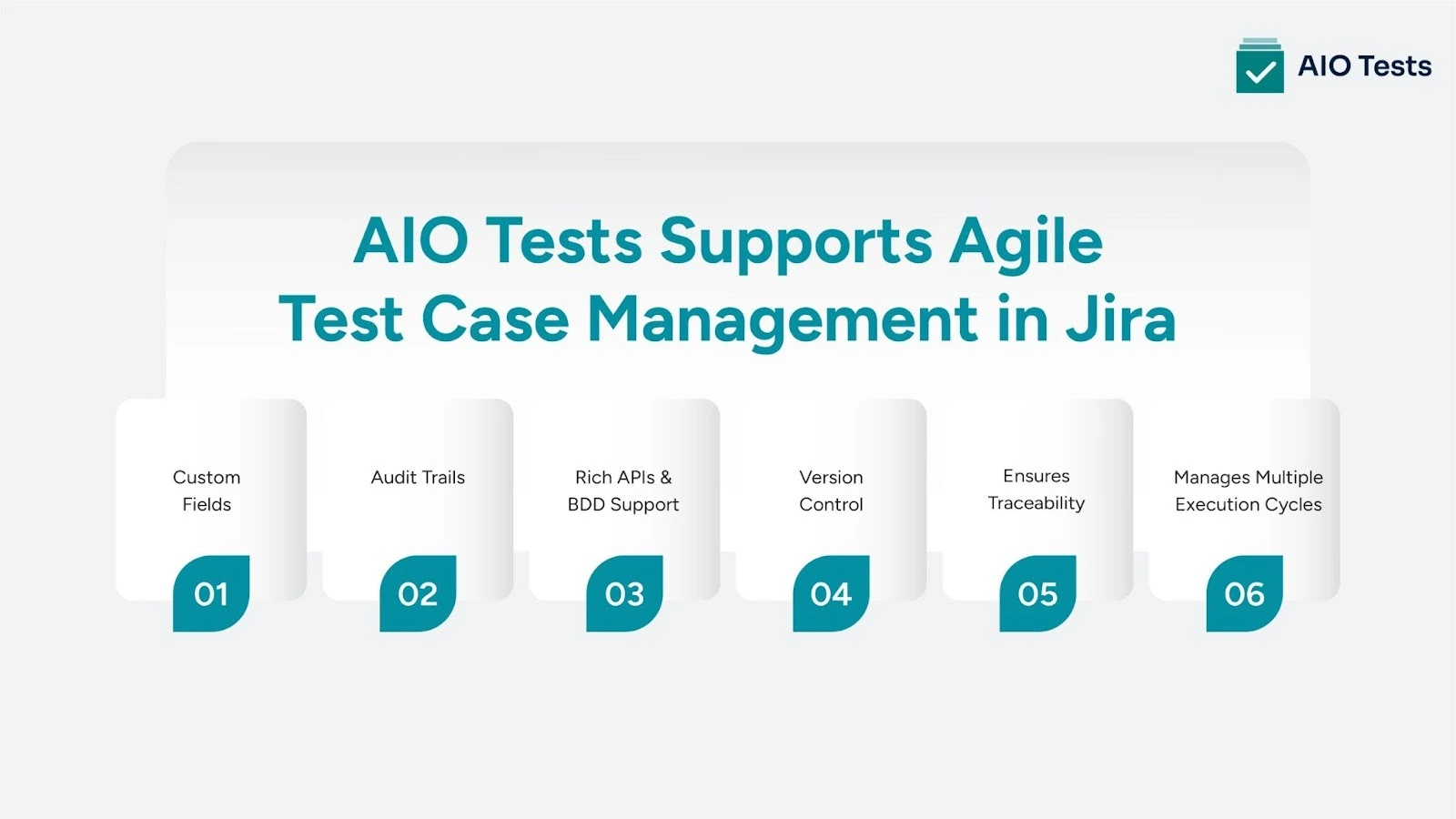
AIO Tests is a native Jira testing tool purpose-built for agile test case management. That means QA teams don’t have to jump between tools or bend workflows to fit their test strategy. Everything you need to plan, execute, track, and improve testing lives right inside Jira, where your team already works.
Here’s what that looks like in practice:
1. Structured, Scalable Test Case Management
Managing test cases should be simple and stay that way as you scale. AIO Tests gives teams the control and flexibility to handle evolving requirements, frequent iterations, and growing test libraries, all without leaving Jira.
- Write test cases directly from within Jira issues, so writing test cases stays aligned with real user stories.
- Use folders, parameters, and tags to keep test cases organized
- Reuse cases across sprints and releases without duplication
- Maintain versions and history to track changes over time
- Make bulk updates in seconds
2. Agile Workflows That Fit How Teams Really Work
Agile testing is fast, collaborative, and ever-changing. AIO Tests supports that rhythm with workflows that match your sprint cycles and real-world QA needs. This is agile test management designed to move at sprint speed.
- Plan and run test cycles aligned to sprint, release, or custom iterations
- Group test cases into reusable sets for different types of QA testing (regression, smoke, UAT)
- Adjust on the fly as stories evolve or new requirements surface
- Collaborate directly in the Jira story view using AIO’s native panel
3. Full Traceability from Requirement to Defect
QA is about finding bugs, and it's about proving coverage and ensuring accountability. AIO Tests makes traceability easy and automatic. No spreadsheets. No manual syncing. Just a clear line of sight through your entire agile QA process.
- Link stories to test cases, test runs, and resulting defects
- Track every change with audit logs for compliance and clarity
- Maintain complete visibility into what's tested, what passed, and what failed
- Use filters and views to zero in on blockers or at-risk items
4. Real-Time QA Metrics and Reporting
Reporting should drive decisions, not create extra work. With AIO Tests, teams get 20+ essential testing reports generated in real time, directly inside Jira. Because the QA testing tool is Jira native, there is no need to export data, reformat spreadsheets, or manually refresh reports. QA, product, and engineering teams all work from the same live view of test progress, coverage, and risk.
- View pass/fail rates by sprint, epic, or custom criteria
- Spot patterns in failed tests, unexecuted cases, or test run delays
- Track test coverage, execution progress, and blocker trends
- Create shareable dashboards for QA, product, or leadership teams
5. Automate Testing And Ensure Quality
Whether your team relies on manual and automated testing, AIO Tests brings both into a single, Jira-native workflow. Manual test cases and automated results from CI pipelines are tracked in the same place. This gives QA and DevOps teams a shared, real-time view of test execution and quality at every stage of the release cycle.
- Connects with DevOps tools and lets manual QA teams trigger CI/CD pipelines without friction.
- Integrate with automation testing tools like Jenkins, Katalon Studio, and Cypress.
- Import automated test results directly into test cycles
- Support for BDD workflows using Gherkin, with multilingual support
You get structure without rigidity, automation without complexity, and visibility without switching test management tools. It’s a modern approach to agile test case management in Jira, and it’s already helping thousands of teams test faster, smarter, and with more confidence.
Trusted by QA Teams Who Test at Scale
1. Amla Commerce Cut QA Time by 50%
“AIO Tests has made our testing process much easier by centralizing test management, improving collaboration, and providing clear, comprehensive reports.”
— Vaibhav Mundale, Senior QA Manager, Amla Commerce
Amla Commerce moved away from spreadsheets and brought test management fully into Jira. The result?
- 50% reduction in manual effort
- Faster release cycles
- Clear visibility across teams
Read the full Amla Commerce case study
2. Equisoft Replaced TestRail and Scaled QA in Jira
“AIO Tests proved to be the most balanced solution in terms of usability, integration, and scalability... It's helped streamline our QA process and improve collaboration.”
— Cristian Preda, Director - QA, Equisoft
With 60 QA professionals across finance and insurance software, Equisoft unified their testing workflow by switching to AIO Tests, all while staying fully Jira-native.
See how Equisoft transformed QA in Jira
AIO Tests Pricing
AIO Tests pricing is simple and flexible for both Jira Cloud and Data Center users, with all core features included and no hidden costs.
For Jira Cloud Users
- Standard Plan (Essentials for Small Teams)
Free for up to 10 users
- Advanced Plan (All Features Unlocked)
$10/month flat (Perfect for growing QA teams that need full functionality inside Jira.)
For Jira Data Center Users
- Flat Annual Fee
$1500/year for up to 50 users (Designed for larger teams running Jira Data Center environments.)
Explore more features on the AIO Tests Atlassian Marketplace page.
Conclusion
Managing QA shouldn’t mean juggling test management tools or losing time to workarounds. AIO Tests brings everything you need for agile test management into a single, structured workflow fully inside Jira. You get better visibility, faster execution, and fewer gaps between teams. No extra overhead.
If your team’s ready for a more straightforward, more connected QA process, AIO Tests is ready to help. Book a demo of AIO Tests and experience Jira native test management in action.

FAQs
1. What is agile test management?
Agile test management refers to planning, organizing, and executing tests in a way that aligns with agile development cycles. It emphasizes collaboration, iteration, and continuous feedback so quality assurance happens throughout the sprint rather than at the end. This approach helps teams catch issues earlier and speed up delivery.
2. How does agile test case management differ from traditional test case management?
In agile, test case management is iterative and tightly integrated with development. Instead of long planning phases followed by a separate testing stage, test cases are continuously updated and executed as part of each sprint or release cycle. This supports faster feedback and better alignment with changing requirements.
3. What is an agile QA process?
An agile QA process integrates quality assurance throughout the software development lifecycle. It ensures testing happens with every code change and handles validation continuously. This helps teams identify defects early and maintain product quality without slowing down delivery.
4. Why is traceability important in agile QA?
Traceability links requirements, stories, test cases, execution results, and defects so teams can see what has been tested, what passed, and where issues remain. This visibility improves accountability and helps teams make better decisions faster during sprints.
5. What are the best practices for agile testing?
Good practices include testing early and often, integrating automated and manual testing when needed, collaborating across teams, and continuously refining test cases based on feedback and sprint outcomes.
6. How does agile test management support faster releases?
By embedding testing in the development cycle, agile test management identifies defects early, reduces rework, and improves feedback loops between QA and development. This helps teams release with confidence more frequently.


.svg)

