

.webp)
Summarize Blog
Quick Summary
APIs power nearly every modern application, but failures can lead to broken integrations, performance issues, and security risks. This guide covers essential API testing best practices, including automation, security testing, versioning, response validation, and continuous monitoring. Learn how to build reliable APIs that perform under load and integrate API testing into your CI/CD pipeline.
APIs are the silent heroes behind nearly every app or service you use. They connect systems, send data, and keep everything running smoothly. But when an API fails? Well, that’s when things go from seamless to frustrating real quick, think app crashes, missing data, or worse, security breaches.
That’s why API testing is so important. It’s the safeguard that ensures your APIs perform as they should every time. In this API testing guide, we will dive into API testing best practices and software testing tools, covering everything from automated testing to ensuring scalability and security.
You will leave with actionable strategies to make sure your APIs aren’t just working they’re working flawlessly.
Let’s get into it!
What Is API Testing?
API testing is a type of software testing that verifies whether APIs function as expected. It differs from traditional UI testing, which focuses on user interfaces, by focusing directly on the API's functionality and performance. Instead of interacting with a graphical interface, testers interact directly with the API endpoints using tools or scripts.
The role of API testing in Quality Assurance (QA) is to check:
- Whether the API returns the correct response.
- How it handles various types of input.
- How it behaves under load.
- How secure is it against malicious activities.
API testing plays a vital role in detecting bugs, improving performance, and ensuring security in the real-time communication between systems. Since APIs often act as the glue between different software components, ensuring their proper functioning prevents critical issues that may arise after deployment.
What are the Types of API Tests to Perform?
- Functional Testing: Verifies that the API behaves as expected. This includes checking whether it returns the correct data and performs the necessary operations. It’s important to verify that the API behaves exactly as intended for every valid input.
- Integration Testing: Ensures the API integrates properly with other systems and services. APIs rarely operate in isolation, so it’s crucial to test how well they work when connected to databases, servers, or third-party services.
- Security Testing: API security testing ensures that APIs are protected from unauthorized access, data breaches, and attacks. This involves software testing automation, the API's authentication mechanisms, data encryption, and other security protocols.
- Performance Testing: Ensures the API can handle the expected load and scale. By simulating heavy traffic, testers can verify that the API’s response time remains within acceptable limits and remains stable under high load.
- Error Handling & Edge Case Testing: Testing edge cases is critical for assessing how the API handles invalid input or unexpected situations. It ensures that the API doesn’t crash or produce inaccurate results when faced with improper or unexpected data.
7 Essential API Testing Best Practices
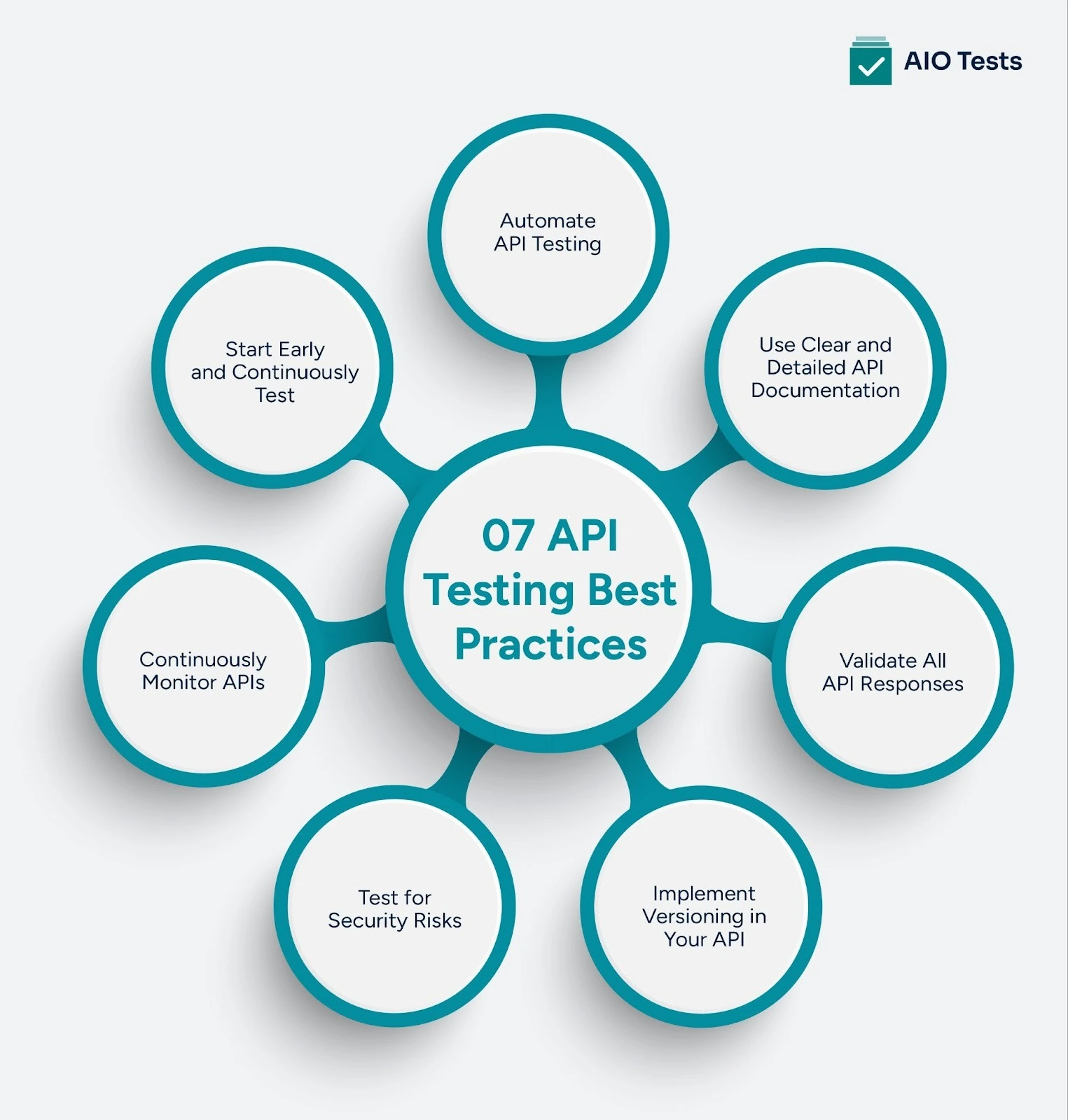
1. Start Early and Continuously Test (Shift-Left Approach)
API testing should begin as early as possible in the development cycle. By catching issues early, you save time and resources that would otherwise be spent on fixing bigger problems later.
Adopting a shift-left approach means incorporating testing into your development process, rather than waiting until the end.
2. Automate API Testing
Automating your API tests increases speed, accuracy, and efficiency. Tools like AIO Tests can run automated regression tests to ensure that new changes don’t break existing functionality.
Automated testing tools in software testing let you continuously test your APIs whenever new code is pushed, saving time and minimizing human error.
3. Use Clear and Detailed API Documentation
Well-documented APIs are easier to test and understand. Detailed documentation helps both developers and testers know exactly how the API is supposed to behave, what the input/output should look like, and how errors should be handled.
Without clear documentation, miscommunication and incomplete tests are more likely.
4. Validate All API Responses
Don’t just check whether an API call is successful by looking for a 200 status code. Ensure you validate all responses, including error codes such as 404 or 500, and check the response data for accuracy.
A thorough check of headers, response time, and status codes ensures that your API performs as expected in all scenarios.
5. Implement Versioning in Your API
API versioning helps maintain backward compatibility, ensuring that old versions of the API continue to work even when new versions are released.
By properly managing versions, you prevent disruptions for users who rely on previous versions while allowing your team to improve and expand the API and the scope of automation testing. Testing across versions ensures that updates don't break existing functionality.
6. Test for Security Risks
Security testing is critical for identifying vulnerabilities that could expose your API to malicious attacks, such as SQL injection or cross-site scripting (XSS).
Use penetration testing tools to simulate attacks and uncover weaknesses before hackers can exploit them. A secure API is a reliable API that users trust with their data.
7. Continuously Monitor APIs
Even after deployment, it’s essential to monitor your APIs for downtime, performance issues, and security threats.
Monitoring QA testing tools help you detect and resolve issues in real time, minimizing the impact on users. Regular monitoring ensures that your APIs remain functional, secure, and scalable over time.
Top 3 Rest API Testing Best Practices
- Validate Status Codes and Response Data: Always verify that your REST API returns the correct HTTP status codes, such as 200, 201, 400, 401, or 500. A successful status code alone isn’t enough; you must also validate the response body, headers, and data structure. This ensures the API not only responds but responds correctly and consistently.
- Automate Regression Testing: Manual testing doesn’t scale when APIs evolve frequently. Automating REST API tests helps you run regression checks whenever new code is deployed, preventing unexpected breakages. This improves speed, accuracy, and confidence in every release.
- Test Edge Cases and Error Handling: Strong REST API testing includes checking how the API behaves with invalid inputs, missing parameters, or unexpected data. Testing edge cases ensures the API fails gracefully instead of crashing or exposing sensitive information. This protects both system stability and user experience.
Why Automated API Testing Is Essential for Modern QA Teams?
Automation is essential for modern QA teams, as API testing strategies help scale testing efforts and ensure faster, more accurate results. Automated tests can run frequently during development, allowing teams to detect and fix issues early. That’s why API testing for QA is essential.
Tools for API testing for QA
- Rest Assured: Rest Assured is a Java-based library designed specifically for REST API automation testing. It integrates seamlessly with testing frameworks like JUnit and TestNG, making it ideal for developer-driven testing.
- Karate DSL: Karate is a powerful open-source API testing framework that combines API automation, performance testing, and mocking into a single tool. It allows teams to write readable test scripts without deep programming knowledge.
- Cypress (API Testing Support): Although primarily known for UI testing, Cypress also supports API automation testing. QA teams use it to test backend APIs alongside frontend workflows for complete end-to-end validation.
How To Improve Your API Testing Strategy?
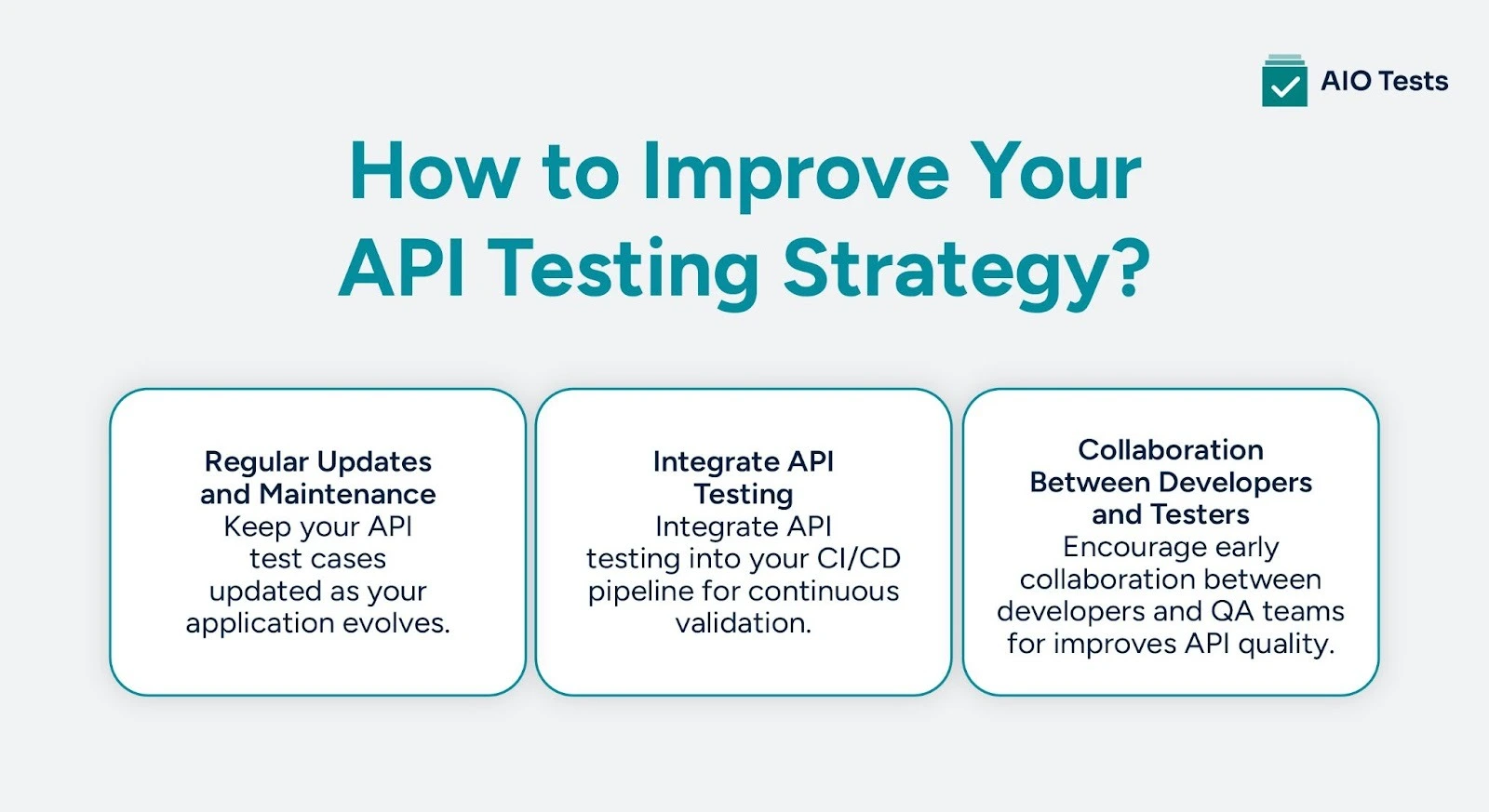
- Regular Updates and Maintenance of Test Suites
API tests must be regularly updated to accommodate new API versions or changes in functionality. Keeping your test suite up to date ensures continued effectiveness as your application evolves.
- Integrate API Testing into CI/CD Pipelines
Integrating API testing into continuous integration and continuous deployment pipelines enables automated testing whenever new code is deployed. This strengthens CI/CD in automation testing by ensuring issues are caught early and resolved faster.
- Collaboration Between Developers and Testers
Effective collaboration between developers and testers is essential to ensure comprehensive testing that aligns with the API’s functionality and changes. Involving both parties in the process helps to streamline the testing and development cycles.
What are the advantages of API testing?
- Early bug detection – It helps identify issues in the business logic before they reach the user interface, reducing costly fixes later. This allows teams to resolve defects during development instead of after deployment.
- Faster testing cycles – APIs can be tested without a UI, making tests quicker and easier to automate. This speeds up release cycles and improves overall development efficiency.
- Better test coverage – You can validate edge cases, error responses, and backend logic more thoroughly. This ensures critical workflows are tested beyond just surface-level functionality.
- Improved reliability – Ensures smooth communication between services, especially in microservices architectures. Stable APIs lead to fewer production incidents and better system performance.
- Enhanced security – Detects vulnerabilities like authentication flaws and data exposure early in the development cycle. Proactive security testing reduces the risk of data breaches and compliance issues.
What Are the Most Common API Testing Bugs to Watch For?
Here are some common API testing bugs to keep in mind, especially when applying API testing best practices:

- Incorrect Status Codes – The API returns the wrong HTTP status code (e.g., 200 instead of 400 or 500), which can mislead client applications and hide real issues.
- Invalid or Inconsistent Response Data – The response structure, data types, or fields don’t match the API documentation or contract. This often breaks frontend integrations or downstream services.
- Authentication & Authorization Failures – Missing token validation, expired tokens not handled properly, or role-based access control issues can expose sensitive endpoints.
- Poor Error Handling – APIs that crash, return unclear error messages, or expose internal system details create security and debugging problems.
- Performance Bottlenecks – Slow response times under load, memory leaks, or inefficient database queries can impact user experience.
- Improper Input Validation – APIs that don’t validate user input properly may allow invalid data, injection attacks, or unexpected behavior.
- Versioning Conflicts – Changes in newer API versions that unintentionally break backward compatibility can disrupt dependent applications.
What Challenges Do QA Teams Face in API Testing?
Here are some of the most common challenges of API testing modern QA teams face:
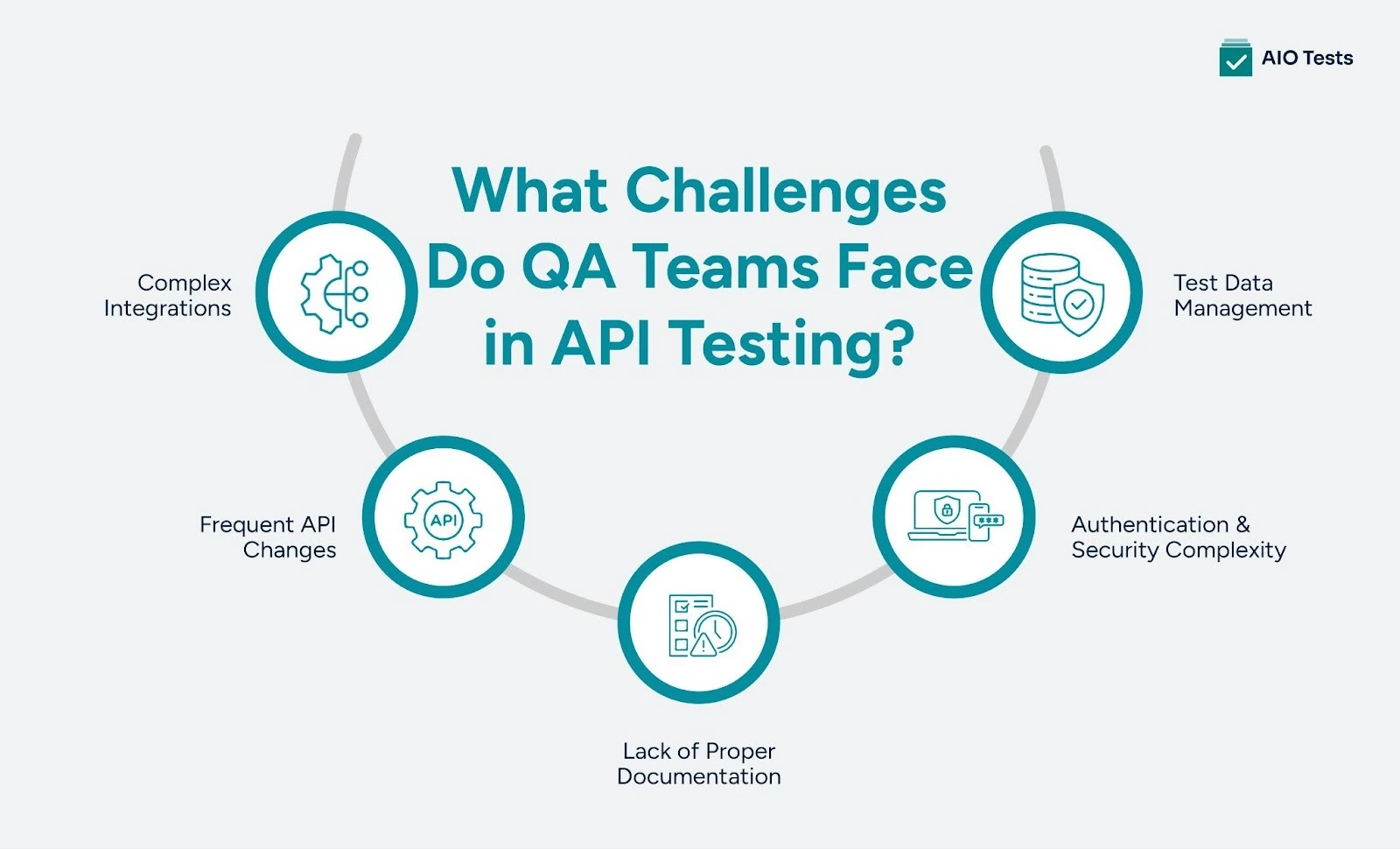
1) Complex Integrations
APIs often interact with multiple services, databases, and third-party systems. Testing these dependencies accurately can be difficult without proper mocking or staging environments.
2) Frequent API Changes
APIs evolve quickly, and even small updates can break existing tests or integrations. Keeping test cases up to date requires continuous maintenance.
3) Lack of Proper Documentation
Incomplete or outdated API documentation makes it hard for testers to understand expected behavior. This often leads to incorrect test coverage or missed edge cases.
4) Authentication & Security Complexity
Handling OAuth, tokens, encryption, and role-based access can complicate test setup. Security testing also requires additional expertise and tooling.
5) Test Data Management
Creating and maintaining realistic test data without affecting production systems is challenging. Poor data handling can lead to unreliable or flaky tests.
What Are the Most Popular Tools for API Automation Testing?
- Postman: It is one of the tools for API automation testing, especially for REST APIs. It allows teams to create automated test scripts, manage environments, and run collections as part of CI/CD pipelines.
- SoapUI: It is a tool for testing REST and SOAP APIs. It offers advanced features for functional, security, and load testing, making it suitable for enterprise-level projects.
- Apache JMeter: It is primarily known for performance and load testing, but is also widely used for API automation testing. It helps teams simulate high traffic and measure response times, stability, and scalability.
What’s Next?
API testing is a critical part of ensuring a smooth, reliable user experience. As application complexity increases, adopting best practices and leveraging modern tools, such as AI-powered testing platforms, will be essential to staying ahead.
With continuous testing and monitoring, QA teams can proactively address potential issues, reduce manual effort through automated QA Testing, and improve the overall quality of APIs, ensuring they remain functional, secure, and efficient.
Adopting modern test management tools and API testing best practices will help your QA team keep up with growing demands. Embrace automation, AI, and continuous integration to optimize testing workflows and ensure your APIs meet high standards.
Book a demo to explore AIO Tests.

FAQs
1. What is the main purpose of API testing?
API testing ensures that APIs function as expected, handle requests properly, and return the correct data while maintaining security.
2. What is REST API testing?
REST API testing is the process of verifying that RESTful APIs function correctly by validating requests, responses, status codes, and data formats. It ensures the API performs reliably, securely, and efficiently under different conditions.
3. What is an API testing framework?
An API testing framework is a structured set of guidelines, tools, and libraries for designing, executing, and managing API tests efficiently. It helps QA teams standardize automation, improve test reusability, and integrate testing into CI/CD pipelines.
4. What tools should I use for API testing?
Popular tools include Postman, SoapUI, and AI-powered testing tools such as AIO Tests, enhancing automation and testing efficiency.
5. Can I test an API without having access to the full application?
Yes, you can use mock servers or virtual services to simulate the behavior of external systems and test the API independently.
6. What are the best API testing strategies?
The best API testing strategies include combining functional, integration, security, and performance testing to ensure APIs work reliably under all conditions.


.svg)
