

Summarize Blog
Quick Summary
Learn how AI test maintenance helps QA teams keep test cases updated, improve coverage, optimize test repositories, and manage changing requirements with intelligent workflows, traceability, and structured test management approaches.
For many QA teams, the challenge is no longer creating automated tests. It is keeping existing test cases accurate as applications, requirements, and workflows continue to change. A growing test repository can quickly become difficult to maintain, leading to outdated scenarios, inconsistent coverage, and longer regression cycles.
AI test maintenance helps teams reduce this maintenance burden by identifying affected test coverage, improving existing test cases, and supporting better test optimization throughout the software lifecycle. Instead of manually reviewing every update, QA teams can use intelligent capabilities to maintain reliable test assets while focusing on higher-value testing activities.
For Jira-based teams, integrating these capabilities with a structured test management workflow helps connect requirements, test cases, executions, defects, and automation results in one place, making it easier to maintain quality as applications continue to change.
Why Test Case Maintenance Becomes the Hidden Cost of Scaling QA
Most QA teams do not struggle because they lack test cases. The challenge begins when those test cases grow faster than teams can maintain them.
As applications change, new features are introduced, and workflows are updated, existing test cases can quickly become outdated. A small product change, such as adding an additional verification step to a login process, can impact multiple scenarios across authentication, security, and regression testing.
The result is a growing maintenance burden. QA teams spend time identifying affected cases, updating test steps, reviewing expected outcomes, and ensuring existing coverage still matches the current application.
This challenge becomes more complex as testing environments scale. According to Capgemini’s Continuous Testing Report, 36% of organizations reported that more than half of their testing time was spent searching, managing, maintaining, and generating test data, highlighting how maintenance-related activities can impact testing efficiency.
The challenge is not simply fixing failed tests. It is keeping test coverage accurate, organized, and aligned with continuous product changes.
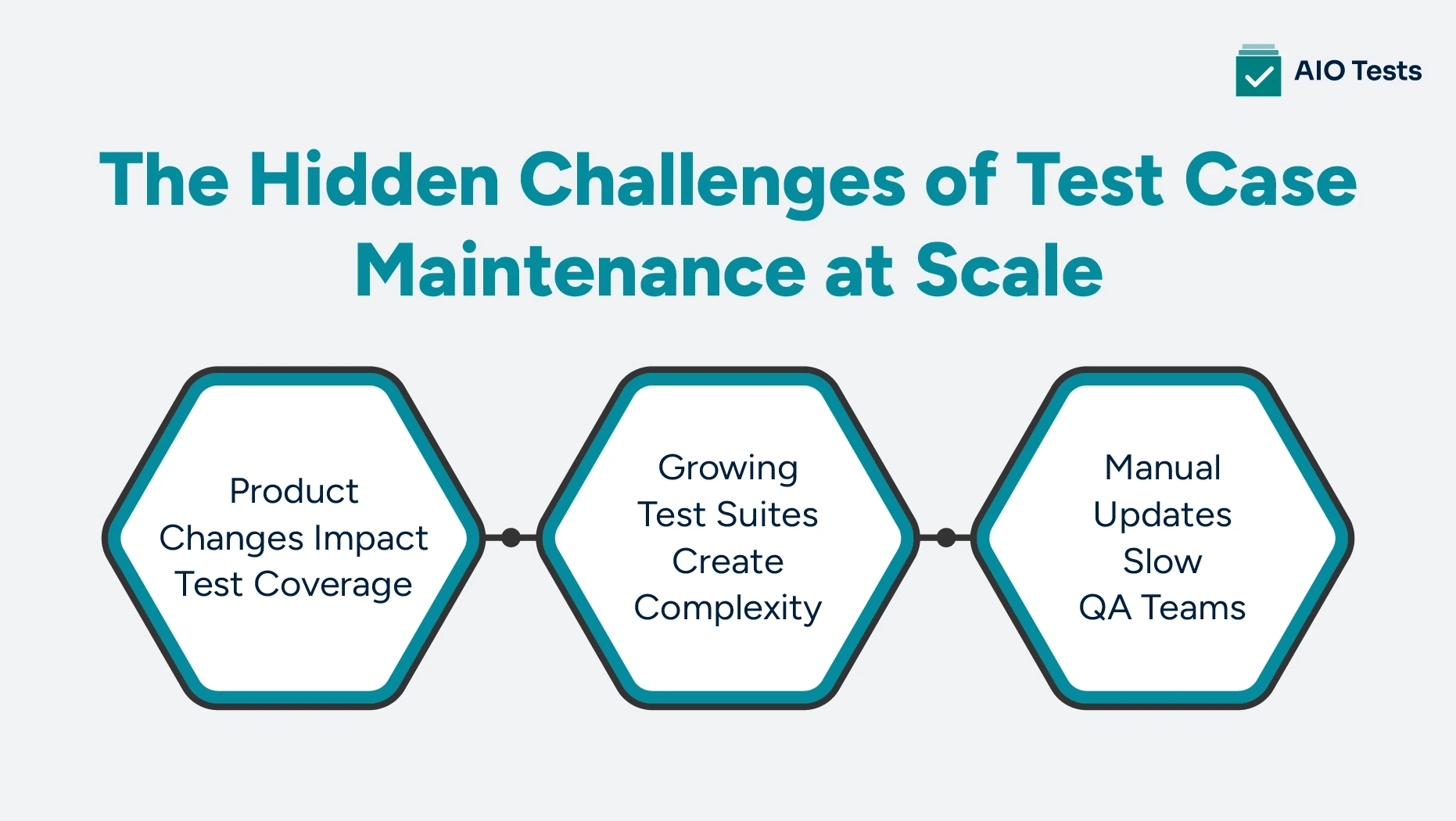
Product Changes Impact Test Coverage
Modern software teams release updates frequently. Every new feature, UI change, or workflow improvement can affect existing test coverage.
For example, consider an e-commerce application where the checkout process changes. Previously, users could complete a purchase after entering payment details. A new release introduces an additional identity verification step before payment confirmation.
The existing test cases may still execute, but they may no longer validate the complete user journey.
Teams may now need to update:
- Test steps to include the new verification process
- Expected results based on the updated workflow
- Negative scenarios for failed verification
- Regression cases connected to checkout functionality
Without proper visibility, outdated test cases can continue running and create a false sense of coverage.
The real maintenance challenge is not knowing that a test failed. It is understanding whether the failure points to a product issue, an outdated test case, or a missing scenario.
Growing Test Suites Create Complexity
As products expand, test repositories grow with them.
A QA team managing a few hundred test cases can often track changes manually. However, as that number grows into thousands across multiple releases, teams face a bigger challenge: maintaining clarity.
Over time, test repositories can accumulate
- Duplicate test scenarios
- Outdated test cases
- Repeated test steps
- Unused test assets
- Missing links between requirements and tests
- Limited visibility into test history
The problem is not having a large number of test cases.
The problem is knowing whether each case still represents the current product and contributes meaningful coverage.
Without proper organization and traceability, teams may spend valuable time maintaining tests that no longer provide value while missing scenarios that require attention.
Manual Updates Slow QA Teams
Maintaining test cases manually requires continuous effort.
Whenever requirements change, QA teams often need to:
- Review impacted test cases
- Update test steps
- Modify expected results
- Validate regression coverage
- Investigate failures
- Maintain documentation
This work takes time away from activities that improve product quality, such as exploring new risks, improving coverage, and testing complex user workflows.
The goal of modern test maintenance is not to create more test cases or remove testers from the process. It is to help QA teams spend less time managing outdated test assets and more time focusing on quality.
This is where AI-assisted test maintenance can help teams identify affected test cases, improve existing scenarios, and maintain better visibility across the testing lifecycle.
How AI Test Maintenance Helps Teams Keep Test Cases Updated
AI can support test maintenance throughout the testing lifecycle. Its value goes beyond creating new test cases. It helps QA teams improve existing test assets, understand the impact of changes, and maintain better visibility across their testing workflows.
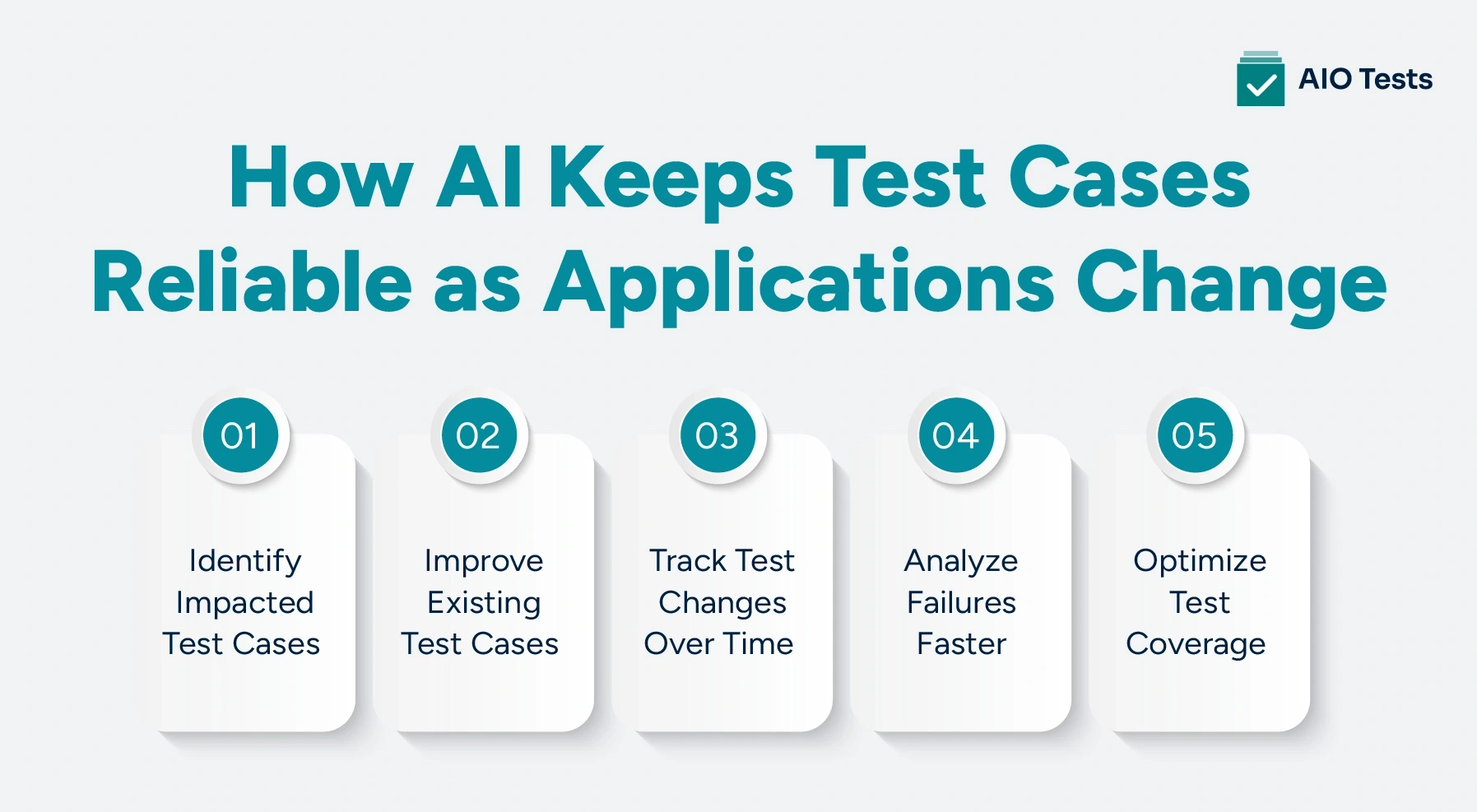
1. Identify Test Cases Impacted by Application Changes
When requirements or application functionality change, QA teams need to understand which existing test cases may be affected.
AI-assisted analysis can help teams evaluate relationships between requirements, test cases, execution history, and other testing data to identify areas that need review.
For example, a change to an account management feature could impact:
- Profile update tests
- Authentication scenarios
- Permission validation tests
- Account recovery workflows
- Related regression tests
Instead of reviewing every test case manually, teams can focus their efforts on the areas most likely to be affected.
Traceability makes this process more effective by connecting requirements with the test coverage they impact.
2. Improve and Update Test Cases With AI Assistance
Maintaining existing test cases requires more than fixing outdated steps. Teams also need to ensure their test coverage continues to match changing requirements.
AI assistance can help testers improve test assets by:
- Generating test cases from requirements
- Suggesting additional test steps
- Identifying positive and negative scenarios
- Improving test descriptions
- Creating BDD-style test cases
- Maintaining consistency across test documentation
For example, when a requirement changes from allowing users to update profile information to requiring additional verification, AI can help identify additional scenarios such as valid updates, invalid inputs, permission checks, and failed verification flows.
3. Maintain Test Case Versions and Historical Context
Test cases continue to evolve throughout a product lifecycle. Without proper version tracking, teams may struggle to understand what changed, when it changed, and which version was used during a specific release.
Version management helps teams maintain context around:
- Previous test case versions
- Updated test steps
- Changes to expected results
- Test history
- Comments and modifications
This becomes especially useful when reviewing failed regression runs or analyzing how test coverage changed alongside product requirements.
4. Analyze Failures and Reduce Maintenance Noise
A failed test does not always indicate a product defect.
Failures can happen because of:
- Outdated test steps
- Changed application workflows
- Incorrect test data
- Environment configuration issues
- Actual application defects
AI-assisted analysis can help teams review execution patterns and identify potential reasons behind failures. This allows testers to spend less time investigating repeated issues and focus on failures that require deeper analysis.
However, automated recommendations should always be reviewed by QA teams. Updating a test without understanding the reason behind a failure can hide genuine defects instead of solving the underlying problem.
The goal of AI-assisted maintenance is not to eliminate failures automatically. It is to provide better context so teams can make faster and more informed decisions.
5. Optimize Test Suites for Better Coverage
As test repositories grow, teams need to regularly evaluate whether each test case still provides meaningful value.
Test case optimization helps identify:
- Duplicate scenarios
- Overlapping coverage
- Unused test cases
- Missing test scenarios
- Redundant regression tests
The goal is not to reduce the number of tests. It is to maintain a test suite where each case has a clear purpose, supports current requirements, and contributes meaningful coverage.
A test management platform with reusable test assets and linked test cases can help teams reduce duplication and improve test organization. Features such as test grouping, reusable cases, and impact analysis allow teams to understand how new changes affect existing coverage and identify which tests require attention.
With better organization and optimization, QA teams can maintain reliable test coverage while preventing test repositories from becoming difficult to manage as products grow.
AI Test Maintenance vs Traditional Test Maintenance
AI does not eliminate the need for QA review. Instead, it can reduce repetitive work while giving testers more information to make maintenance decisions.
Benefits of Using AI-Powered Testing for Test Maintenance
AI-powered testing helps QA teams improve test maintenance by reducing repetitive tasks, improving test coverage, and providing better visibility across the testing lifecycle.
When integrated into the broader QA workflow rather than treated as an isolated automation feature, AI can help teams maintain more reliable test assets while keeping human validation at the center of decision-making.
Reduce Test Maintenance Effort
AI can assist with repetitive activities such as generating test cases, improving existing steps, and identifying areas that require review. This gives testers more time to focus on scenarios that require human judgment.
Improve Test Reliability
Maintained test cases are more likely to reflect current requirements and application behavior. Versioning, traceability, and structured test management also make it easier to identify which test assets need attention.
Increase Regression Efficiency
A well-maintained test repository makes it easier to select relevant cases for regression testing. Reusable Sets and impact-analysis capabilities can help teams organize recurring coverage and evaluate the effects of product changes.
Improve QA Collaboration
When requirements, test cases, executions, and defects are connected, QA, development, and product teams have better visibility into testing status and coverage.
Increase Release Confidence
Reliable test coverage gives teams better visibility into what has been tested, what has changed, and where risks remain. Reports covering traceability, coverage, execution progress, and defects can provide stakeholders with a clearer view of release readiness.
How AIO Tests Helps Jira Teams Manage Test Maintenance More Effectively
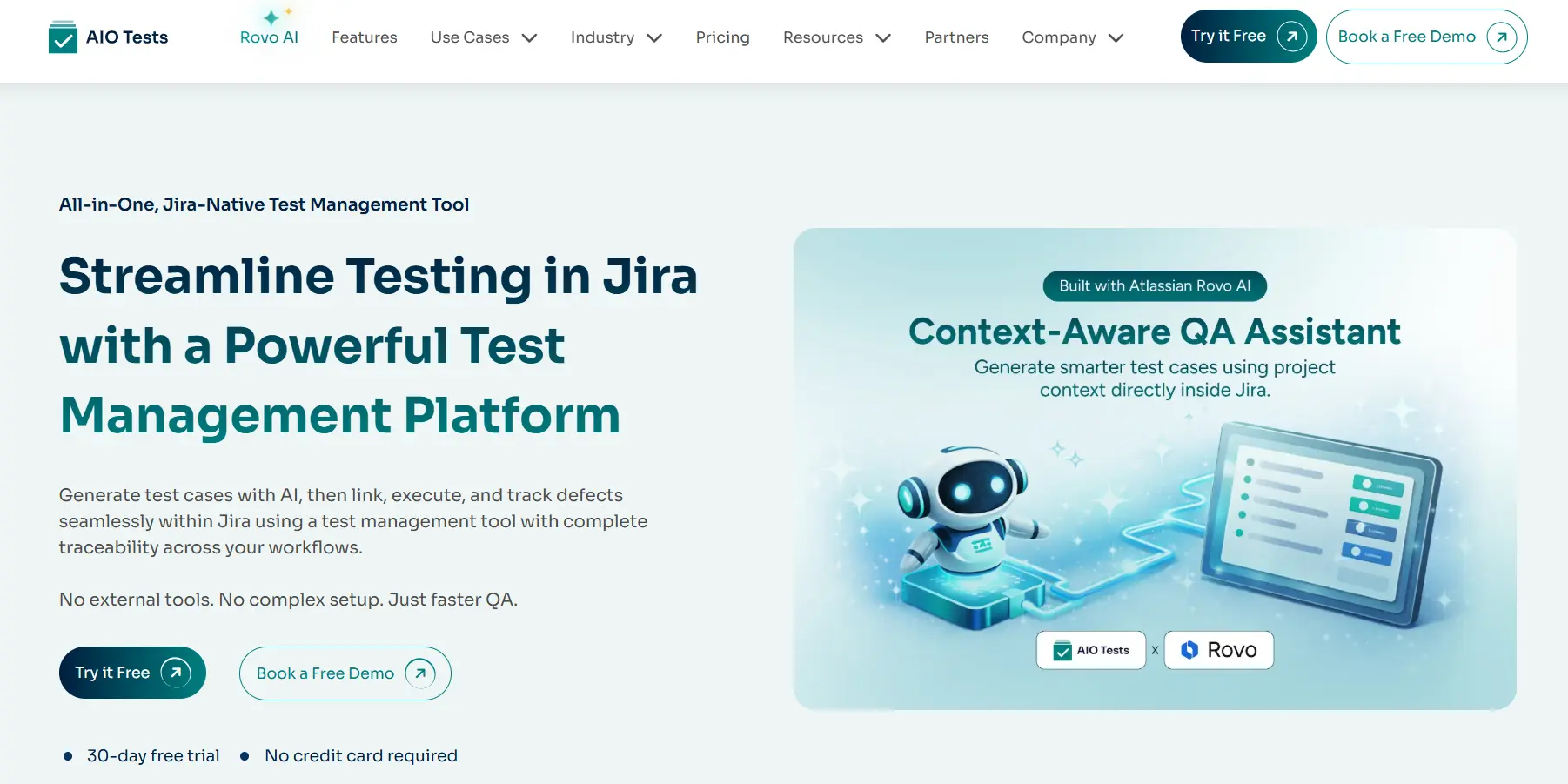
For teams managing testing inside Jira, maintaining updated test cases requires more than automation. It requires a structured workflow for creating, organizing, updating, executing, and tracking test assets.
AIO Tests is a Jira-native test management tool that helps teams manage key stages of the testing lifecycle, including test case creation, execution management, traceability, automation reporting, and insights within Jira.
1. Create and Improve Test Cases Faster
The platform uses GenAI capabilities to assist with test case creation and improvement. Teams can generate classic or BDD-style test cases, define different scenarios, and use AI suggestions to enhance existing test steps.
This helps reduce the manual effort involved in converting requirements into structured test coverage while allowing QA teams to review and refine generated scenarios.
The solution also supports reusable test assets, helping teams organize test cases and reduce repetitive work across projects. Features such as folder-based organization and linked cases help teams maintain a structured test repository.
2. Maintain Traceability Between Requirements and Tests
Test maintenance becomes easier when teams understand how requirements connect with their testing coverage.
The platform helps teams connect:
This provides visibility into whether requirements have corresponding test coverage and how tests perform during execution.
Traceability and coverage reports help teams monitor relationships between requirements, test cases, executions, and outcomes, making it easier to evaluate testing progress and identify coverage gaps.
3. Track Test Changes and Maintain History
As test cases evolve, version control helps teams maintain visibility into changes over time.
The tool allows teams to create and switch between multiple test case versions while maintaining a history of changes. This helps QA teams understand how test coverage has changed and review previous versions when needed.
Linked cases also help reduce redundant maintenance by allowing teams to update related cases together, with changes synchronized across linked test cases.
4. Manage Manual and Automated Testing Together
Test maintenance is not limited to manual test cases. Modern QA teams often combine manual testing with automated execution workflows.
The platform supports automation reporting through REST APIs and integrations with popular testing frameworks and tools, including Cucumber, JUnit, TestNG, NUnit, Robot Framework, Cypress, Katalon, Newman, and Postman. It also supports CI/CD integrations such as Jenkins for reporting automated test results.
This helps teams maintain visibility across manual and automated testing activities without managing separate sources of test information.

How to Choose the Right Test Maintenance Tool
Not every AI testing tool addresses the same maintenance problem. Some focus primarily on generating or executing automated tests, while others focus on test management and keeping test assets organized.
When evaluating test maintenance tools, consider the following:
1. AI-Assisted Capabilities
Look for AI that can do more than generate new test cases. Consider whether it can help improve existing cases, suggest additional steps, and support different testing scenarios.
2. Jira Integration
For Jira-based teams, the tool should fit naturally into existing requirements, development, and defect workflows rather than creating another disconnected system.
3. Test Repository Management
Check whether the platform supports folders, reusable test assets, custom fields, version control, and other capabilities needed to manage a growing repository.
4. Traceability
Requirements, test cases, executions, and defects should remain connected so teams can understand coverage and assess the effect of changes.
5. Version Management
Test cases change over time. Version history should make it possible to understand what changed and maintain the appropriate test version.
6. Automation Support
If your team uses automated testing, evaluate whether the tool can receive automation results, integrate with CI/CD workflows, and support the frameworks already in use.
7. Reporting Capabilities
Reports should help teams understand coverage, execution progress, defects, automation results, and release readiness rather than simply providing raw execution data.
The Future of Intelligent Test Automation
Intelligent test automation will continue to reduce repetitive work across the testing lifecycle, but its value will extend beyond generating automated scripts.
As AI capabilities mature, QA teams can use them to improve test creation, identify coverage gaps, analyze testing information, and maintain larger test repositories with less manual effort.
The role of the tester does not disappear. Instead, testers can spend more time evaluating business risk, exploring complex scenarios, validating AI recommendations, and deciding whether a change requires new or modified coverage.
The most useful approach is therefore not to remove humans from test maintenance. It is to combine intelligent assistance with structured test management and human oversight.
Conclusion
Maintaining test cases is as important as creating them. When requirements, workflows, and applications change continuously, outdated test assets can reduce coverage, increase maintenance effort, and make regression results harder to trust.
AI can help QA teams improve existing cases, identify maintenance areas, optimize test coverage, and reduce repetitive work. But AI works best when these capabilities are connected to a structured testing workflow.
For Jira-based teams, AIO Tests brings AI-assisted test case creation and improvement together with version control, traceability, reusable test assets, automation support, and reporting. This gives QA teams a way to manage and maintain testing throughout the lifecycle without leaving Jira.

FAQs
1. What is AI test maintenance?
AI test maintenance uses artificial intelligence to assist QA teams in maintaining test assets as applications and requirements change. It can support activities such as test case improvement, test generation, coverage analysis, and test suite optimization.
2. How does AI help with test case maintenance?
AI can help QA teams create and improve test cases, suggest additional test steps, and maintain consistency across test documentation. It reduces repetitive work while allowing testers to review and validate changes based on product requirements.
3. What are the benefits of AI-powered test maintenance?
AI-powered test maintenance can reduce repetitive QA work, improve test coverage, and make growing test repositories easier to manage. It can also help teams focus regression efforts and maintain better visibility into testing changes.
4. Can AI identify outdated or redundant test cases?
AI can assist QA teams in reviewing and improving test assets by suggesting updates, generating additional scenarios, and helping maintain consistency. However, QA teams should validate whether a test case is outdated or redundant before making changes.
5. How does AIO Tests support AI test maintenance in Jira?
AIO Tests provides GenAI-assisted test case creation and improvement alongside test case versioning, history, traceability, reusable test assets, automation support, and reporting. These capabilities help Jira-based teams maintain test assets and manage the wider testing lifecycle from within Jira.
6. How do I choose the right test maintenance tool?
Evaluate the tool based on its AI capabilities, Jira integration, test repository management, traceability, version control, automation integrations, and reporting. The right solution should address your team's actual maintenance workflow rather than simply offering AI-generated test cases.
-


.svg)
