

.webp)
Summarize Blog
Quick Summary
Selecting software quality assurance tools requires assessing project requirements, automation support, integration with existing systems, and scalability to ensure optimal performance and smoother QA testing workflows.
Selecting the right QA tool for enterprise teams is one of the most important decisions you will make. But it’s also one of the toughest. Between scalability, integration, and team collaboration, there’s a lot to think about.
With so many options on the market, it can be hard to know where to begin. Focusing on the right factors can help you make the right choice and keep your projects moving forward smoothly.
This blog aims to help you understand the challenges of selecting software quality assurance tools for enterprise teams. We’ll also introduce the best quality assurance tools for enterprise QA teams that simplify your testing workflow and ensures quality throughout every stage of development.
Comparison Table: Leading 08 Software QA Tools For Large Teams
Test Management Tools
1. AIO Tests

AIO Tests is an AI-powered test management app for Jira that functions as a Jira-native solution, designed to streamline end-to-end testing in Agile and DevOps environments. It integrates seamlessly with Jira, allowing teams to manage test planning, execution, and tracking directly within their existing workflows.
Moreover, it is a comprehensive software quality assurance tool that enables seamless integration of automated tests from any language. This tool offers features that help organizations achieve fully functional software and apps that support comprehensive software testing strategies.
Top Key Features of AIO Tests
- Centralized Test Case Management
AIO Tests is a comprehensive test case management platform that enables teams to organize and manage test cases using a structured folder system. It offers built-in fields for creating both classic and BDD-style test cases, and the easy import feature allows seamless migration of existing test cases in formats like .xlsx, .csv, or .feature.
The centralized test repository keeps everything organized with a structured folder system, and the version control feature lets users create and switch between multiple versions of test cases with a single click, ensuring accuracy and consistency.
- Seamless Jira Integration
Access all test cases, associated defects, and execution statuses directly within Jira, eliminating the need to switch between platforms. This integration ensures complete coverage by linking test cases, requirements, defects, and test results to identify coverage gaps and root causes of defects.
- AI-powered Test Case Creation
AIO Tests is the best QA testing tool that enhances test case creation with AI-powered assistance, making the process easier and more efficient.
It generates relevant test scenarios directly linked to Jira requirements, and, with multi-language support, it can generate cases in the preferred language, improve grammar, or translate them easily. The AI also suggests step additions, ensuring test cases are comprehensive and well-structured.
- Complete Test Cycle Management
AIO Tests simplifies the entire test lifecycle, from creating and managing test cycles to tracking execution statuses. This provides greater visibility and control over software quality. The built-in timer records actual execution time, helping managers compare estimated vs. actual efforts.
You can instantly log defects for failed cases with options to attach documents and comments for quick resolution. Detailed bug reports in Jira are auto-populated with test details. The execution planner sets target timelines and generates daily goals with automated notifications, keeping you on track.
- Comprehensive Reporting and Metrics
AIO Tests delivers comprehensive reporting capabilities with clear insights into project quality. With AIO Tests, you can generate 20+ tailored reports, offering end-to-end project visibility. This qa reporting software generates essential reports, including:
- Traceability & Coverage Reports: Establish clear links among requirements, test cases, execution cycles, and defects to ensure complete test coverage.
- Execution & Project Reports: Get insights into test execution progress and identify trends and potential bottlenecks.
- Defect & Project Health Reports: Track and analyze defects, providing insights into defect density, resolution rates, and overall project health
.
- Test Automation
AIO Tests test automation transforms with seamless integration into popular testing frameworks and CI/CD pipelines. It supports direct import and result reporting from frameworks like Cucumber, JUnit, TestNG, NUnit, Robot, and Newman, making it easy to plug into your existing setup.
With support for multiple languages, including Java, C#, Python, and JavaScript, teams can manage automated tests across diverse tech stacks. This flexibility enables efficient execution, monitoring, and continuous quality assurance within Jira.
- Customization
AIO Tests adapts to your team’s unique processes with customizable workflows, field configurations, and permissions. So, it is software QA tools for large teams. You can control user access to prevent errors and set personalized email preferences for relevant updates. Manage storage efficiently with attachment insights and align project settings with custom workflows.
AIO Tests Pricing
AIO Tests offers a cloud version free for 1–10 Jira users, while the Data Center version starts at $1,500 per year for up to 50 users.
Explore AIO Tests pricing.
2. TestRail
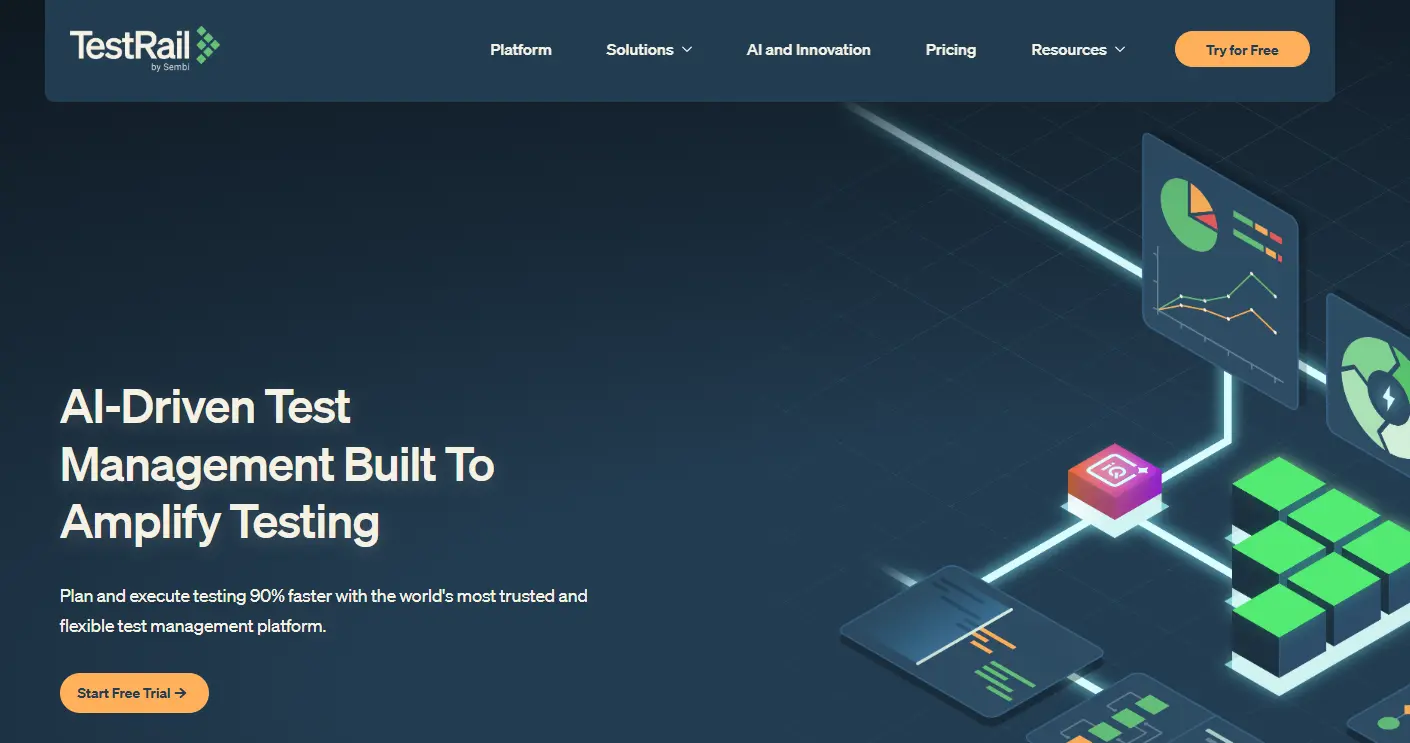
TestRail is a web-based test case management tool for QA testing used to organize and streamline the QA process. It allows teams to manage test plans, test runs, and individual test cases all in one place.
TestRail integrates with issue trackers such as Jira, enabling seamless communication between QA teams and developers and ensuring a smooth workflow. It provides detailed reporting, allowing teams to monitor progress and generate insights into test effectiveness.
Key Features:
- AI-Enhanced Test Generation: Automates test case creation using AI, increasing productivity and enhancing accuracy while maintaining full tester control.
- Seamless CI/CD Integration: Unifies manual and automated testing workflows and integrates easily with CI/CD tools such as Jira and Azure DevOps.
- Customizable Dashboards & Reporting: Provides visibility into testing progress, quality metrics, and coverage through personalized dashboards and reports.
- Advanced Traceability: Links requirements, test cases, and defects to ensure comprehensive traceability analysis and full compliance.
TestRail Pricing
Starts at $35 per user/month.
Test Automation Tool
3. Selenium
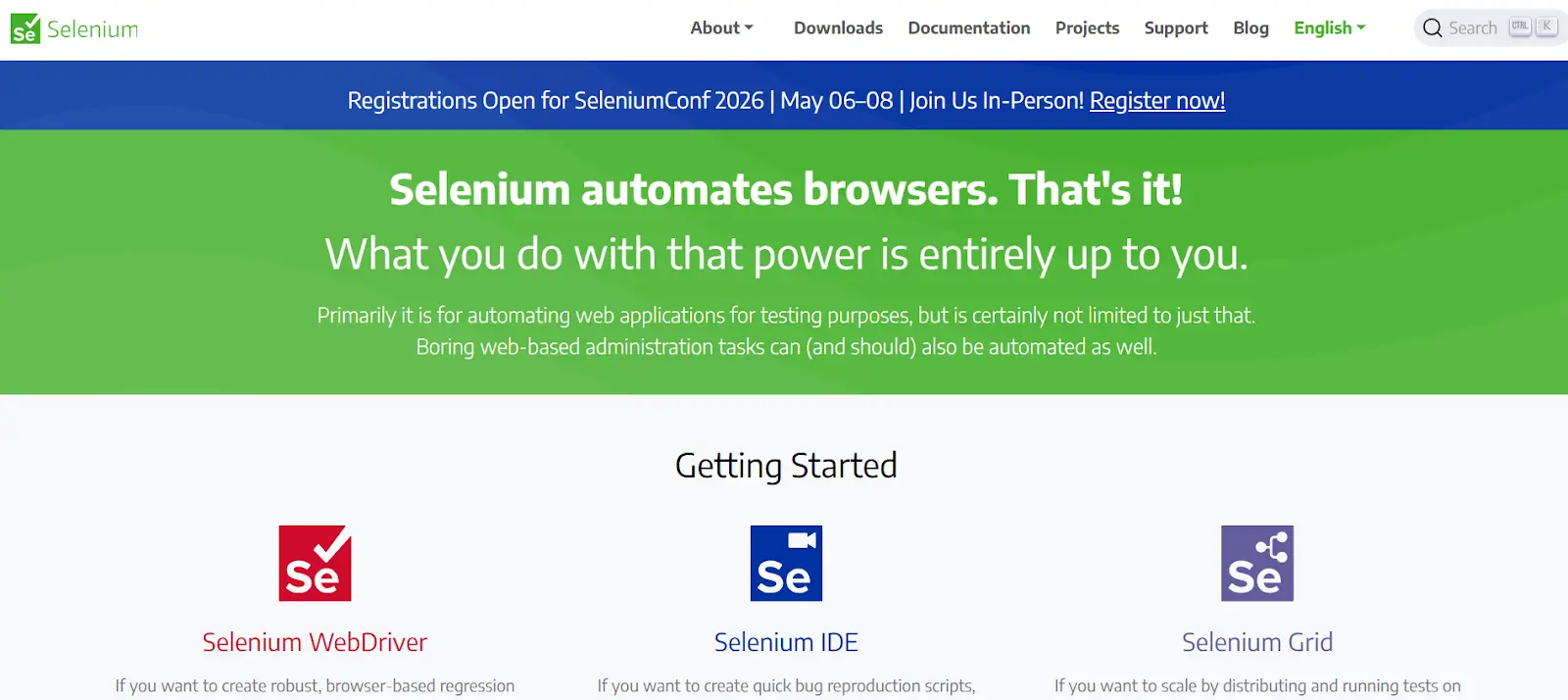
Selenium is one of the most popular open-source test automation frameworks used for web applications. It supports multiple programming languages, including Java, Python, and C#, allowing testers to write tests in the language they are most comfortable with.
Selenium is widely used to automate browser testing, making it an essential QA testing tools teams focused on continuous testing and integration. It’s highly flexible, supports multiple browsers, and integrates easily with tools like Jenkins for CI/CD pipelines.
Key Features:
- WebDriver: A core component that allows for creating robust, browser-based regression automation suites to drive browsers in the most realistic manner.
- Selenium IDE: A browser extension (for Chrome, Firefox, and Edge) for creating scripts through record-and-playback functionality, enabling easy bug reproduction and exploratory testing.
- Selenium Grid: Scales automation by distributing tests across multiple machines and managing diverse environments, ensuring compatibility with various browsers and operating systems.
- Cross-Browser Testing: Supports multiple browsers, including Chrome, Firefox, Safari, and Edge, ensuring consistent, reliable testing across platforms.
Selenium Pricing
Free (Open-source).
4. Appium
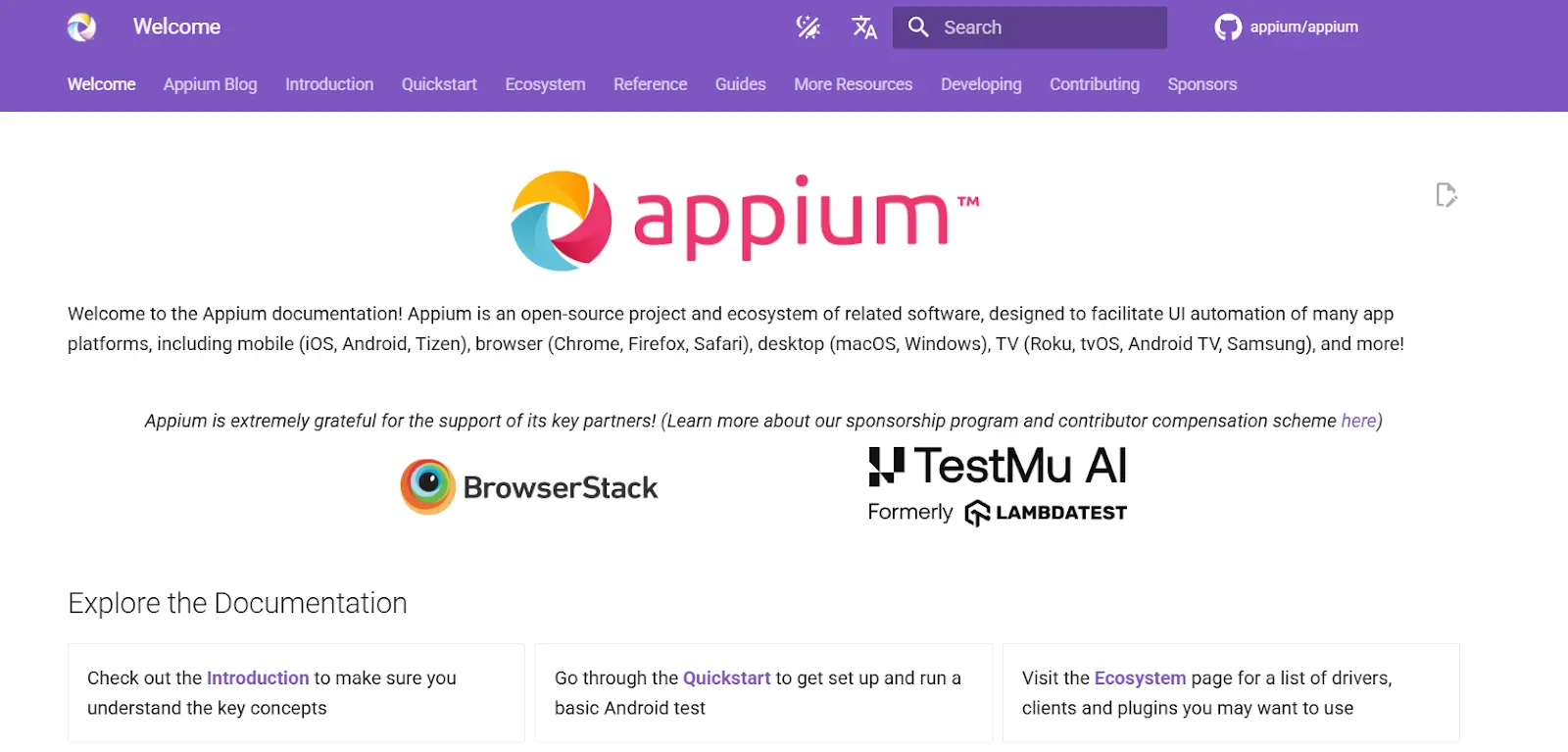
Appium is an open-source test automation tool for mobile applications, supporting both Android and iOS platforms. It allows testers to write tests using a wide range of programming languages, including Java, Python, and JavaScript, making it accessible for a variety of teams.
Appium is designed to test native, hybrid, and mobile web applications, providing a unified approach to automating mobile tests across different platforms.
With its cross-platform capabilities and integration with other testing frameworks such as Selenium and Appium, Appium has become a go-to choice for teams looking to automate mobile application testing. It’s scalable and well-suited for large teams and enterprise-level applications.
Key Features:
- Cross-Platform Mobile Testing: Supports automation for Android, iOS, and Windows applications, enabling teams to run tests across multiple platforms with one tool.
- Flexible Programming Language Support: Appium supports a variety of programming languages, including Java, JavaScript, Python, and Ruby, allowing developers to write tests in their preferred language.
- Integration with Selenium: Appium is built on top of Selenium, allowing users to leverage Selenium WebDriver’s capabilities for mobile automation.
- Cloud Testing Compatibility: Easily integrates with cloud testing platforms such as BrowserStack, making it scalable for enterprises across diverse mobile devices and OS configurations.
Appium Pricing
Free (Open-source).
Performance Testing Tool
5. JMeter
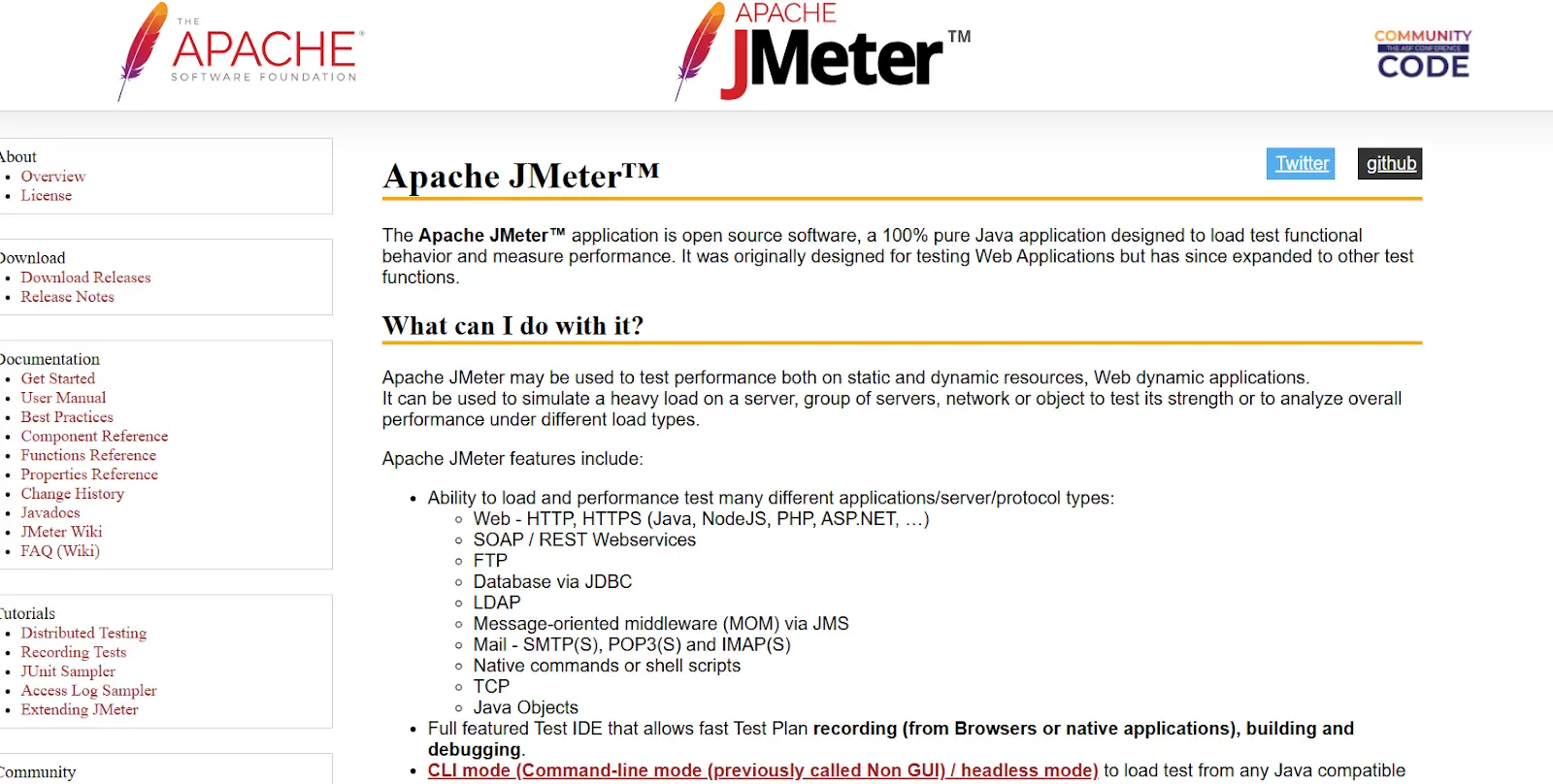
JMeter is an open-source software testing tools that simulates various load conditions and measures the performance of web applications. It is commonly used for load and stress testing and for analyzing overall performance, ensuring that applications can handle high traffic volumes and perform well under pressure. JMeter supports a wide range of protocols, including HTTP, HTTPS, and JDBC, making it a versatile tool for web performance testing.
Due to its open-source nature, JMeter is highly customizable and provides a wide range of reporting options to help analyze the results. Whether you are testing a simple website or a complex web application, JMeter offers the flexibility to test in a wide array of environments.
Key Features:
- Multi-Protocol Support: JMeter supports a wide range of protocols, including HTTP, SOAP, REST, FTP, SMTP, and databases, enabling versatile testing.
- Fully Featured Test IDE: Allows for fast test plan creation, debugging, and recording directly from browsers or native applications.
- Concurrent Thread Groups: Provides multi-threading for concurrent sampling of multiple functions across separate thread groups.
- Dynamic Reporting: Generates detailed, dynamic HTML reports that present test results clearly, aiding in performance analysis.
JMeter Pricing
Free (Open-source).
6. LoadRunner (now known as OpenText)

LoadRunner, now known as OpenText, is a comprehensive performance automation testing tools that simulates virtual users and analyzes application performance under load. It is used for performance testing of both web and non-web applications, including enterprise applications and databases. LoadRunner allows testers to run large-scale performance tests, providing insights into how systems behave under different levels of stress.
Often used by large enterprises for mission-critical applications, LoadRunner provides detailed insights into bottlenecks and performance issues, helping teams optimize their applications before production. It also integrates with other testing tools and CI/CD pipelines, ensuring continuous performance monitoring.
Key Features:
- Virtual User Simulation: Simulates thousands of virtual users interacting with an application to test its scalability and performance under load.
- Comprehensive Performance Analysis: Provides in-depth metrics and insights to identify bottlenecks and optimize application performance.
- Multi-Protocol Support: Supports a broad range of protocols, including HTTP, SOAP, and more, making it versatile for various testing needs.
- Seamless CI/CD Integration: Easily integrates into continuous integration and delivery pipelines, ensuring continuous performance testing throughout the development lifecycle.
LoadRunner Pricing
Contact for pricing; a free trial is available.
API Testing Tool
7. Postman
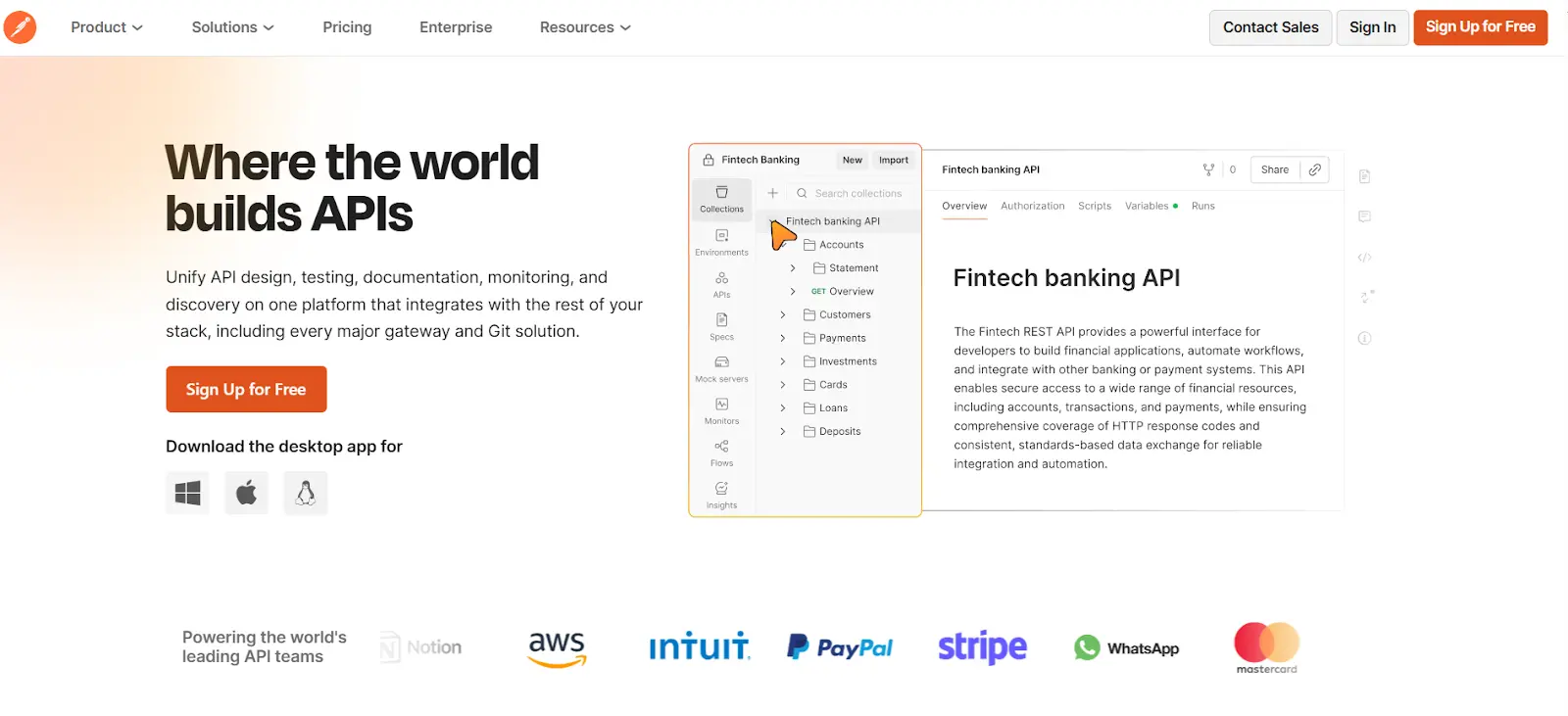
Postman is a popular API testing tool that simplifies designing, testing, and documenting APIs. It allows users to automate API tests, mock services, and monitor API performance, making it a comprehensive tool for API testing needs. Postman’s user-friendly interface enables teams to test APIs without writing extensive code, making it accessible for both developers and testers.
Postman also offers collaboration features, allowing teams to work together on API design, testing, and documentation. It’s widely used for testing RESTful APIs and is ideal for teams that need to quickly validate API functionality and performance.
Key Features:
- API Design: Supports collaborative API design using OpenAPI and GraphQL standards, ensuring teams are aligned before development begins.
- Testing Automation: Automates functional, integration, and regression testing across APIs, integrating with CI/CD pipelines for continuous testing.
- Monitoring & Observability: Provides detailed monitoring and tracking of every API endpoint, ensuring uptime and performance reliability.
- Team Collaboration: Enables seamless cross-team collaboration, with shared workspaces and version control to manage API requests and workflows.
Postman Pricing
Free plan available; Paid plans start at $12/user/month.
8. SoapUI

SoapUI is a robust open-source tool for testing SOAP and REST APIs. It provides an intuitive interface for functional, security, and load testing, making it a popular choice for enterprises with complex API testing needs. SoapUI supports automated testing, allowing teams to validate the functionality and performance of their APIs across different environments.
With advanced features such as security testing, data-driven testing, and API mocking, SoapUI offers a comprehensive solution for teams needing thorough API testing capabilities. It is suitable for both developers and testers, providing the necessary tools to ensure the quality of web services and APIs.
Key Features:
- Multi-Protocol Support: Supports a wide range of protocols, including REST, SOAP, GraphQL, and JMS, making it versatile for API testing across various technologies.
- Automated Functional Testing: Enables teams to automate functional testing processes, including custom assertions and scripting in Groovy or JavaScript.
- Security and Load Testing: Offers built-in capabilities for testing API security and performance, ensuring APIs are secure and performant under load.
- API Mocking and Virtualization: Enables users to simulate API responses, allowing testing even before the actual service is available, saving time during development.
SoapUI Pricing
Free (Open-source); Paid plans start at $649/year.
Planning To Switch To A QA Testing Software Tool?
Here’s a breakdown of some common signs that it might be time to consider a new software quality assurance tool.
- Scaling Issues
As your team grows and your test cases become more complex, your current tool may struggle to keep up. Whether it's managing a larger volume of test cases, handling more users, or supporting more intricate test processes, scaling issues can severely impact productivity and test coverage.
- Poor Integration
A collaborative work environment, tools that don’t integrate with project management systems like Jira, can create silos and cause inefficiencies. If your current tool doesn’t sync well with Jira or other platforms you rely on, your team could be wasting time switching between systems and manually transferring data.
- Lack of Automation
Manual testing processes can slow progress, increase error rates, and make it difficult to maintain high testing coverage. If your team is still performing too many manual tests or struggling with limited automation capabilities, it may be time to adopt a more robust QA testing tool that supports automation.
Conclusion
Choosing the right QA testing tools is crucial for enterprise teams that aim to maintain high software quality and efficiency. As we’ve discussed, the key considerations when selecting a tool include its ability to scale with your team, integrate seamlessly with Jira, and support automation.
For Jira-based teams, AIO Tests is a strong candidate. Its AI-powered test management features, seamless Jira integration, and scalability make it an ideal choice for teams seeking an all-in-one solution to manage both manual and automated testing efficiently.
Book a demo today to explore more about AIO Tests.

FAQs
- What are the benefits of using AI-powered QA tools in enterprise teams?
AI-powered QA tools can automate repetitive tasks, improve test coverage, suggest optimized test scenarios, and help teams deliver high-quality software faster by reducing manual errors.
- How does AIO Tests integrate with Jira, and why is it important for large teams?
AIO Tests integrates directly with Jira, allowing teams to access test cases, defects, and execution statuses in a single platform. This integration is crucial for large teams because it streamlines workflows, improves communication, and ensures complete traceability from requirements to defects.
- Which QA tool is best suited for teams focused on web application testing?
Selenium is often regarded as the best tool for web application testing, offering cross-browser support and robust automation features. It can be integrated with other tools like Jenkins to create powerful, automated test suites.
- How can I ensure my QA tool scales as my team and projects grow?
Look for QA testing tools that offer strong automation capabilities, support multi-user environments, and integrate with your CI/CD pipelines. Scalability is also ensured by tools that can handle large test suites, growing team sizes, and complex workflows.
- What are the key considerations when selecting a test management tool for large teams?
The key considerations include scalability, integration with project management systems like Jira, automation support, and the ability to handle a large number of test cases, teams, and complex test processes.


.svg)
