


Summarize Blog
Quick Summary
AIO Tests simplifies test coverage analysis by providing real-time visibility into requirements, test cases, and executions, all within Jira. By integrating automated and manual testing, teams can quickly identify coverage gaps and reduce release risks.
Most QA teams feel confident about their test coverage until a release hits production and exposes a gap they didn't anticipate.
The issue isn’t effort. It’s the mess created by scattered spreadsheets, outdated dashboards, and automation tools that don’t talk to each other. When you’re shipping fast, that lack of visibility gets expensive.
AIO Tests steps in as a modern test management tool that gives teams a real-time, Jira-native view of every requirement, test case, and execution result. By linking manual and automated tests to Jira issues, teams instantly know which requirements are covered, which are at risk, and where to focus next.
With clear visibility and actionable insights, QA leads can confidently reduce risk and ensure higher software quality without chasing guesswork.
What Test Coverage Challenges Do QA Teams Still Struggle With Today?
Even experienced QA teams run into the same recurring blockers that quietly weaken coverage and increase release risk. The issues are visibility and alignment problems that pile up over time.
- Requirements scattered across Jira
- Test cases created but not mapped
- Automated tests running with zero traceability
- Teams writing test cases without a clear link to requirements
- Coverage metrics are missing or manual
- Hard to justify quality decisions
These gaps make it clear why teams need an integrated solution to see coverage and reduce risk before shipping.
What Test Coverage Metrics Can You Track Inside AIO Tests?
AIO Tests helps you track a broad set of test coverage metrics beyond simply marking tests as executed. These metrics give you a clearer understanding of your software test coverage and support better decision-making.
Key metrics include:
- Requirement coverage: Shows how many Jira issues have linked test cases, helping teams identify which requirements are fully tested and which still lack traceability.
- Test case execution coverage: Tracks the status of test cases (passed, failed, not run) across sprints, releases, or test cycles, giving a clear picture of executed versus pending tests.
- Automation coverage: Highlights manual vs automated test management so teams can see exactly how much automation drives overall coverage and where manual effort still matters.
- Defect traceability: Maps failed test cases to Jira defects, ensuring coverage reflects real issues rather than just completed test counts.
- End-to-end traceability: Combines requirement coverage, test execution, and defect data in dashboards, offering a consolidated view of testing effectiveness and strengthening overall traceability analysis.
- Code coverage mapping via CI integration: Pulls code-level coverage data from integrated automation testing tools like Jenkins, highlighting untested areas that require attention.
Why these metrics matter: Instead of juggling spreadsheets or multiple tools, you get one source of truth inside Jira. This helps you confidently report on test coverage, spot gaps, and make decisions that strengthen software quality assurance and reduce release risk.
How AIO Tests Enhance Test Coverage Analysis for QA Teams

AIO Tests is an AI testing tool native to Jira that assists you in detailed test coverage analysis. While metrics show what is covered, AIO Tests empowers you to act on those insights by turning raw data into measurable improvements.
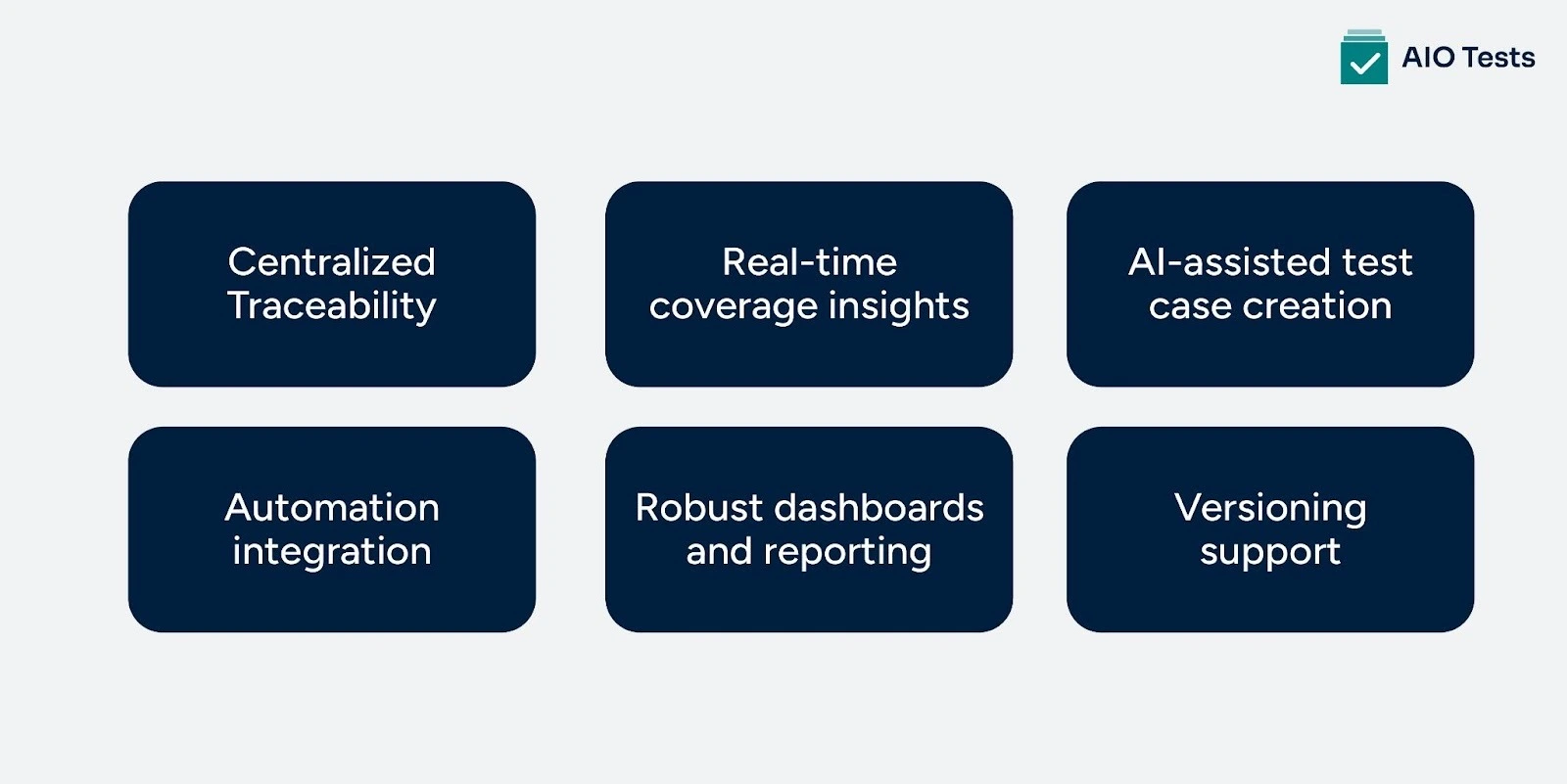
- Centralized traceability: All requirements, test cases, executions, and defects are connected inside Jira, eliminating silos and giving teams complete visibility with stronger end-to-end traceability.
- Real-time coverage insights: QA leads can instantly see which requirements are fully tested, partially tested, or untested, helping prioritize work without waiting for manual reports.
- AI-assisted test case creation: Automatically generate comprehensive test cases, including edge scenarios teams might overlook, while enabling AI-powered test case editing to cut manual effort and boost overall thoroughness
- Automation integration: Import automated test results from CI tools like Jenkins, mapping them directly to Jira test cases for a unified view of manual and automated coverage.
- Robust dashboards and reporting: Over 20+ essential testing reports and dashboard gadgets let teams monitor coverage trends, defect impact, and automation progress across sprints and releases.
- Versioning support: Track test case versions against specific releases to maintain accurate coverage history over time.
Metrics provide visibility; AIO Tests converts that visibility into action, helping QA teams spot gaps, optimize coverage, and release software with confidence.
Ready to explore pricing and get started? Check AIO Tests on Atlassian Marketplace
Conclusion
If there’s one truth in QA, it’s this: coverage gaps don’t announce themselves. They slip through unnoticed and show up only when it’s too late — in production, with customers, and with pressure from every direction.
AIO Tests, a comprehensive QA testing tool, removes that uncertainty. It gives you real-time visibility into what’s covered, what’s weak, and what needs attention now, not after the release breaks. You’ve already seen how AIO Tests pulls your entire test coverage analysis into one clean, Jira-native view.
If you want to ship with confidence instead of hope, take the next step: Start a free trial and see your coverage insights instantly.

FAQs
- What is test coverage analysis in software testing?
Test coverage analysis measures how much of the software's code or functionality is tested by the existing test cases. It helps identify untested parts and guides improvements to test completeness.
- How does test coverage differ from code coverage?
Test coverage refers broadly to how much functionality or requirements are tested, while code coverage focuses specifically on what percentage of source code lines or branches are executed by tests.
- What are common metrics used to measure test coverage?
Metrics include line coverage, branch coverage, function coverage, and requirements coverage, each quantifying different aspects of how comprehensively tests cover the software.


.svg)
