


Summarize Blog
Quick Summary
Learn how to use BDD Background to organize reusable preconditions, reduce repeated Given steps, improve Gherkin readability, avoid common mistakes, and create maintainable BDD test scenarios across your feature files.
When the same given steps appear across multiple BDD scenarios, feature files can quickly become repetitive and harder to maintain. Teams may end up duplicating the same preconditions even though the scenarios test different behaviors.
A BDD Background provides a way to centralize shared preconditions within a feature. The key is knowing which setup genuinely belongs in the Background and which details should remain visible in an individual scenario. Used well, it reduces duplication without hiding the context readers need to understand a test.
This guide covers how to structure reusable preconditions, decide what belongs in a Background, understand Background execution and scope, compare it with scenario Given steps and Before hooks, and use it with Scenario Outline. It also covers common mistakes, practical refactoring, and managing BDD test cases in Jira with AIO Tests.
How to Structure a BDD Background for Reusable Preconditions
A BDD Background works best when it contains the shared preconditions that establish the same business context for multiple scenarios. The goal is not to move every repeated step into the Background, but to remove unnecessary duplication while keeping each scenario clear.
1. Identify Preconditions Shared Across Scenarios
Start by looking for repeated Given steps across your scenarios. Then check whether they describe a common business state that most scenarios in the feature require.
For example, these steps may be shared:
- Given I am logged in as a customer
- And my account is active
However, repetition alone is not enough reason to move a step into the background. If a precondition applies to only one scenario or represents an important difference between scenarios, keeping it visible may make the test easier to understand.
2. Keep Shared Context in the Background
Once you identify genuinely shared preconditions, place them in the Background and let the scenarios focus on their specific behavior.
Feature: Account management
Background:
- Given I am logged in as a customer
- And my account is active
Scenario: View account balance
- When I open my account
- Then I should see my current balance
Scenario: Update account details
- When I update my phone number
- Then my account details should be updated
Here, the Background removes repeated setup while the scenarios clearly show what each test is validating. This keeps Gherkin for Automation Testing concise while preserving the business context shared across the feature.
3. Keep Scenario-Specific Conditions in the Scenario
Keep a precondition inside the scenario when it applies only to that scenario or explains an important part of its expected behavior.
Scenario: Reject a transfer with insufficient funds
- Given I am logged in as a customer
- And my checking account has $100
- When I transfer $500 to my savings account
- Then the transfer should be rejected
The account balance is important to understanding why the transfer is rejected. Moving it into the Background could make the scenario less clear, especially if other scenarios use different balances.
4. Keep the Background Short and Readable
A Background should provide context, not become a long chain of setup instructions. If readers have to work through many steps before they can understand what a scenario does, the Background may be doing too much.
Long Backgrounds can also indicate that the feature contains unrelated behaviors or that some setup belongs in hooks or test data configuration. If only a few scenarios need most of the setup, consider keeping those preconditions inside the scenarios or splitting the feature.
A good rule is simple: use Background to remove shared context, not to hide scenario intent.
How Cucumber Executes a Background
Understanding how a Cucumber Background executes helps teams structure setup correctly and avoid treating it as a one-time initialization block.
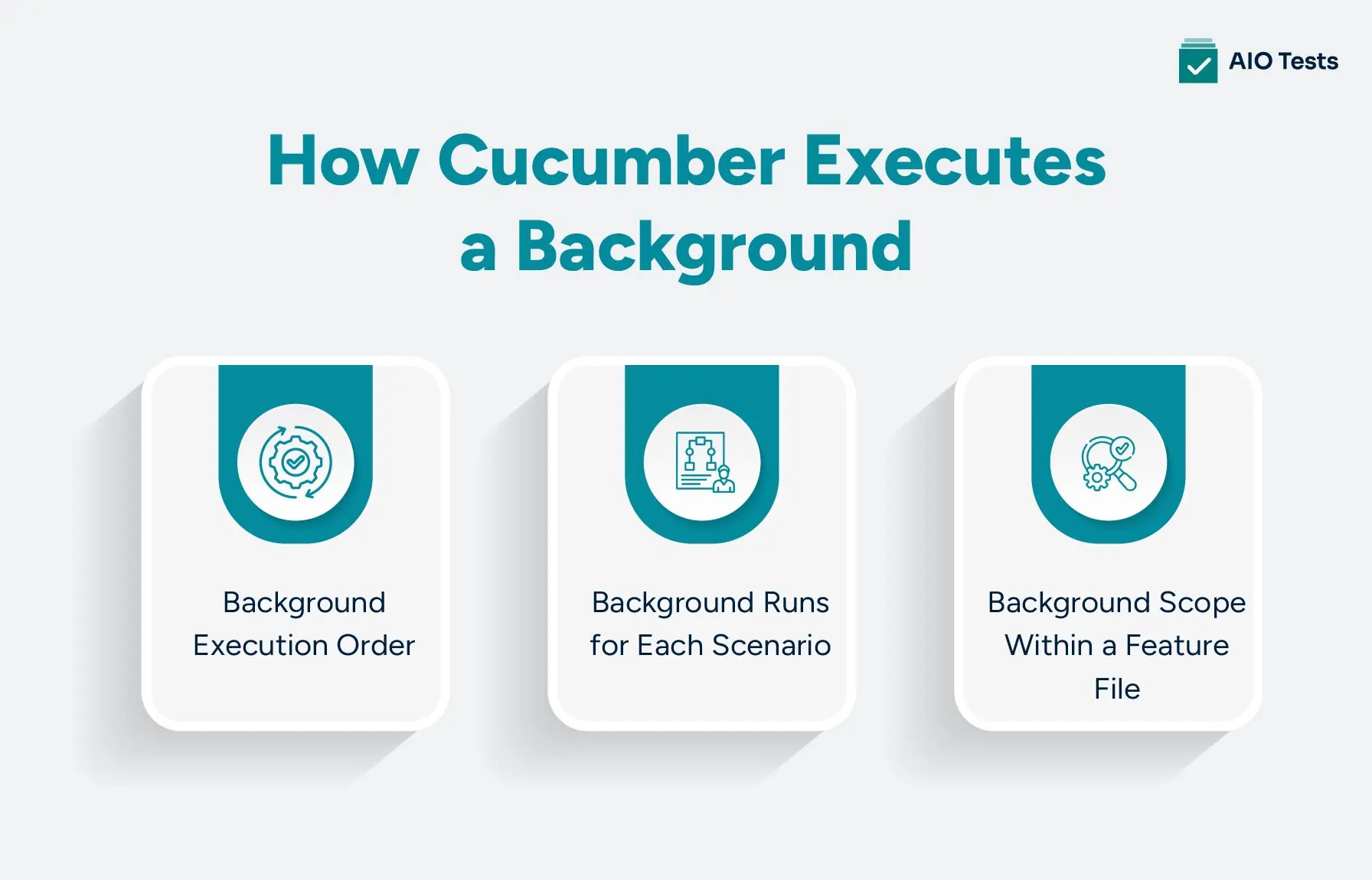
Background Execution Order
For a typical Cucumber scenario, the execution flow is:
A Before hook can handle technical setup, such as initializing a browser or test environment. The Background then establishes the shared business context before the scenario runs its own Given, When, and Then steps.
Background Runs for Each Scenario
The Background runs before each scenario in the feature. It is not executed once and then reused by subsequent scenarios.
If a feature contains three scenarios, the Background steps are executed as part of the setup for each of those three scenarios. This helps each scenario start with the expected shared context rather than depending on the state left behind by another scenario.
Background Scope Within a Feature File
A Background applies to scenarios within the feature where it is defined. It is useful for sharing readable business context across those scenarios, but it is not a global reusable setup mechanism.
If the same setup is needed across multiple feature files, do not treat the Background as a global block. Depending on what needs to be reused, the implementation may belong in step definitions, hooks, or another test-management mechanism.
This distinction is important when designing larger BDD test suites: Background provides shared feature-level context; it does not create globally reusable preconditions.
When Should You Keep Preconditions Inside the Scenario?
Not every precondition belongs in a Background. Keeping some conditions inside individual scenarios preserves the context needed to understand what each test is actually validating.
1. The Precondition Applies to Only One Scenario
If a precondition is required by only one scenario, keep it with that scenario rather than adding it to the Background.
Scenario: Reject an expired payment card
- Given I am logged in as a customer
- And my payment card has expired
- When I attempt to make a payment
- Then the payment should be rejected
The expired-card condition is specific to this test, so moving it into the Background would add unnecessary context to other scenarios.
2. The Precondition Changes Between Scenarios
A condition that varies between scenarios should usually remain visible in each scenario.
For example, if one scenario tests an active account and another tests a suspended account, putting either state in the Background would make the shared setup misleading.
Scenario: Allow an active customer to place an order
- Given I am logged in as a customer
- And my account is active
- When I place an order
- Then the order should be confirmed
Here, the different account states are central to the scenarios and should remain visible.
3. The Precondition Is Important to Understanding the Scenario
Some setup steps explain why a scenario produces a particular result. Hiding them in a background can force readers to look elsewhere to understand the test.
For example, my account has insufficient funds which directly explains why a transfer should fail. It is more useful when the reader sees it alongside the scenario.
4. Moving It to Background Would Hide Test Intent
Reducing duplication does not always produce better BDD. A Background can make a feature file shorter while making individual scenarios harder to interpret.
Use this test before moving a Given step:
If someone reads only this scenario, will they still understand why the expected outcome should happen?
If the answer is no, keep the precondition in the scenario. A little repetition can be preferable to hiding an important condition from the reader.
BDD Background vs Scenario Given vs Before Hooks
Choosing between a Background, a scenario Given step, and a Before hook depends on what kind of setup you need. The key distinction is whether the setup represents shared business context, scenario-specific context, or technical test infrastructure.
BDD Background Best Practices for Maintainable Feature Files
A good BDD Background should make a feature file easier to read, not just reduce the number of lines. These practices help keep shared context useful as features and test suites grow.
Use a BDD Background to make shared context easier to understand and maintain. These practices help keep it useful as your feature files grow.
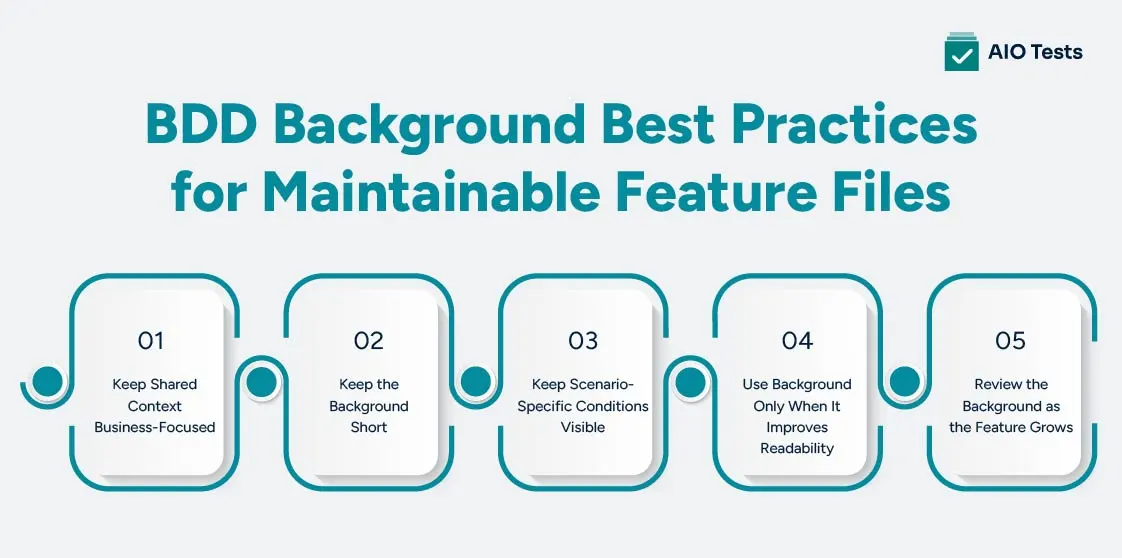
Keep Shared Context Business-Focused
Write Background steps around business state that readers can understand. This keeps Gherkin in BDD focused on behavior and business context rather than technical implementation details.
Background:
- Given I am logged in as an administrator
- And I have permission to manage users
Avoid technical details such as browser setup or database configuration.
Keep the Background Short
Include only the conditions shared by most scenarios. A long chain of Given steps can make the feature harder to read.
If the setup becomes too large, move technical setup to hooks or consider splitting the feature.
Keep Scenario-Specific Conditions Visible
A Background should not hide conditions that help readers understand a scenario.
If a condition explains why a test passes or fails, keep it in the scenario even if it means some repetition.
Use Background Only When It Improves Readability
Do not move a Given step into the Background just because it is repeated.
Use it when removing the repetition makes the feature easier to understand without hiding important test context.
Review the Background as the Feature Grows
A Background that works for a small feature may become too broad as more scenarios are added.
Remove conditions that no longer apply to most scenarios, or split the feature when the scenarios no longer share a clear business context.
Manage BDD Test Cases in Jira With AIO Tests
A well-structured Background keeps individual feature files readable. As BDD test suites grow, teams also need a way to create, organize, execute, and trace those tests within their QA workflow.
AIO Tests is a Jira-native test management tool that supports BDD test cases, test execution, automation reporting, and end-to-end traceability within Jira.
Create BDD Test Cases in Jira
Create BDD-style test cases using Gherkin syntax with Given, When, and Then steps. The Jira test management tool also lets teams link test cases to Jira requirements for better traceability.
Import Existing Gherkin Test Cases
If your team already has Gherkin feature files, the platform supports importing test cases in .feature format. This lets teams bring existing BDD tests into their Jira-based test management workflow.
Execute and Track BDD Tests
Add test cases to execution cycles, run tests, and track execution results within Jira. The tool also lets teams view execution status alongside their other testing information.
Connect BDD Tests With Automation and Defects
The platform supports Cucumber integration, allowing automation results to be reported into Jira, including step-level results, attachments, and comments. Teams can also connect requirements, test cases, execution results, and defects for end-to-end traceability.
AIO Tests do not replace Cucumber or Gherkin. It provides the test management layer around BDD tests, keeping BDD cases, executions, automation results, requirements, and defects connected within Jira.

Common BDD Background Mistakes to Avoid
A BDD Background can reduce duplication, but using it too broadly can make feature files harder to understand. These are the common mistakes to watch for.
Making the Background Too Long
A Background with many steps can become difficult to read and understand. If readers need to work through a long setup before they can understand a scenario, the shared context may be too broad.
Keep only the preconditions that are genuinely common to the feature's scenarios. If the setup keeps growing, consider splitting the feature or moving technical setup into hooks.
Putting Technical Setup in the Background
The Background should describe business context that matters to someone reading the feature file.
Browser initialization, API clients, database connections, test data loading, and other technical setup generally belong in Before hooks or the test framework rather than visible Gherkin steps.
Moving Every Repeated Step Into Background
Repetition alone does not mean a step belongs in the Background. A repeated Given may still provide important context for a specific scenario.
Before moving a step, ask whether the scenario remains understandable when that condition is removed from it.
Hiding Important Scenario Context
A scenario should still communicate why its expected result makes sense. If moving a precondition into the Background hides a key condition, keep it inside the scenario.
For example, Given the customer's account is suspended may be essential to understanding why a transaction is rejected.
Using Background as a Global Reusable Step Mechanism
A Gherkin Background applies to scenarios within its feature. It is not a global mechanism for reusing setup across unrelated feature files.
For reusable implementation logic, teams can use step definitions, hooks, or other test automation patterns instead of forcing unrelated scenarios into one feature.
Conclusion
A BDD Background is useful when multiple scenarios share the same business preconditions. It removes repeated setup while keeping feature files focused on the behavior being tested.
The key is to use it selectively:
- Shared business context → Background
- Scenario-specific preconditions → Given
- Technical test setup → Before hooks
- Growing BDD test suite → Test management in Jira
A Background should make scenarios easier to understand, not hide the conditions that explain their expected outcomes. When the shared context remains short, relevant, and business-focused, it supports readable Gherkin and more maintainable BDD tests.

FAQs
1. What is Background in Cucumber/BDD?
A Background is a section in a Gherkin feature file that contains shared Given steps. These steps run before each applicable scenario, allowing teams to define common business preconditions once instead of repeating them in every scenario.
2. What is the difference between Background and Before hooks?
A Background is written in Gherkin and is meant for shared business context that should be visible to readers. A Before hook is generally used for technical test setup, such as initializing a browser, API client, or test environment.
3. Does the Background run before every scenario?
Yes. The Background runs before each scenario within the feature where it is defined. For a Scenario Outline, it runs for each generated example as well. It is not executed once and then shared across all scenarios.
4. Can a feature file have more than one Background?
No. A Gherkin feature can have only one Background section. If different groups of scenarios need substantially different shared preconditions, consider splitting them into separate feature files.
5. Can Background be used with Scenario Outline?
Yes. A Background can be used with a Scenario Outline when all examples share the same business preconditions. The Background provides the common context, while the Examples table supplies the values that change between test runs.


.svg)
