

.webp)
Summarize Blog
Quick Summary
To meet the demands of 2026, quality analyst tools must evolve. AI-powered testing solutions are essential for cutting down manual effort, improving traceability, and enhancing integration with CI/CD pipelines. The right tools not only accelerate testing but also ensure higher-quality releases with smarter workflows and better decision-making.
Manual testing has always been a bottleneck in development cycles, but in 2026, it’s becoming harder to justify. With increasing pressure to speed up releases and incorporate AI-powered testing tools, QA teams are at a crossroads.
The reality is, many of the traditional quality analyst tools no longer cut it. Teams are being asked to do more with less, and leadership is demanding measurable results, especially when it comes to ROI. The question is: how do you choose the right QA testing tools that not only streamline your testing process but also incorporate AI in meaningful ways?
In this guide, we’ll highlight the quality assurance testing tools that are built to cut testing time, increase efficiency, and meet the demands of modern software development.
What Modern Quality Analyst Tools Must Include in 2026
As QA teams face tighter deadlines and more complex requirements, the tools they use need to evolve. In 2026, quality analyst tools must deliver more than just basic functionality.
They need to help teams work faster, smarter, and with better data insights. Here’s what modern QA tools should include:
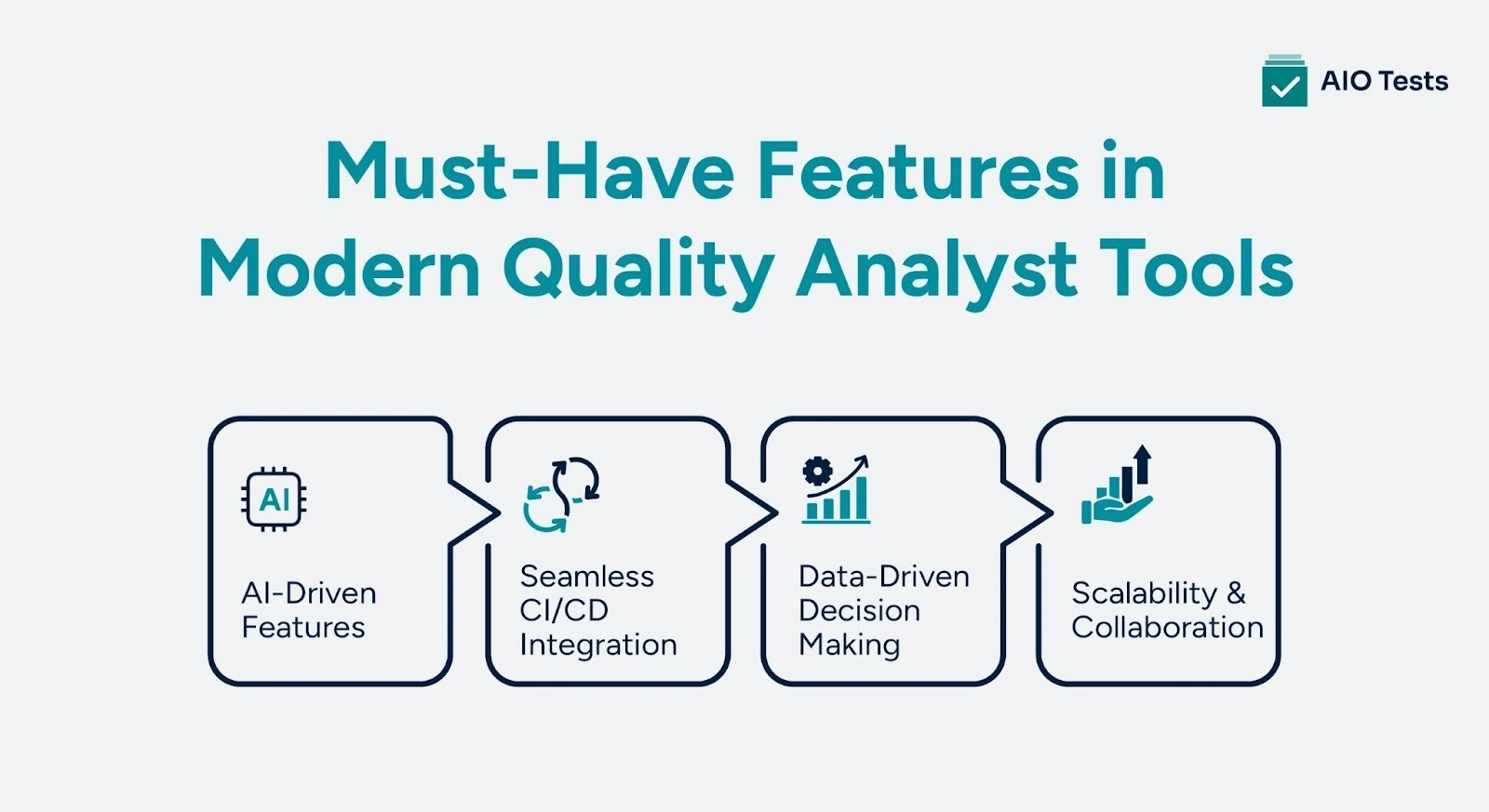
1. AI-Driven Features
AI has moved beyond a nice-to-have feature. It’s now a core component of the best quality assurance testing tools. Here’s how AI should be integrated:
- AI test case generation: With AI test case generation, teams can automatically create test cases based on user behavior or code changes, significantly reducing manual effort and errors.
- Predictive defect analysis: Identifies potential issues before they become problems, allowing teams to address them early.
- Smart regression selection: Automatically selects the most relevant tests based on code changes, eliminating unnecessary test runs.
- Auto test maintenance: Reduces the burden of maintaining and updating tests, especially as applications evolve.
This is where AI-powered testing tools come in, offering the intelligence that can improve test coverage and speed up the process.
2. Seamless CI/CD Integration
Modern QA tools must integrate directly with your existing development pipeline to stay relevant. If tools can’t work well within a CI/CD environment, they’re likely adding more friction than value. Look for:
- GitHub, GitLab, Jenkins integration: These tools should sync directly with your source code management and CI/CD systems for smooth workflows.
- DevOps traceability: Ensures full traceability from code commit to testing results, making debugging and reporting much easier.
- Real-time reporting: Get instant qa testing reports on test results and errors, so developers can address issues as they happen.
If your quality assurance tools don’t work well with CI/CD, it could slow down your entire release cycle.
3. Data-Driven Decision Making
In 2026, QA isn’t just about running different types of QA testing — it’s about using data from those tests to make smarter release decisions.
- Advanced dashboards: Provide a comprehensive view of testing progress, coverage, and quality metrics.
- Trend analytics: Helps predict potential future issues based on historical test data and trends.
- Risk-based release insights: Prioritize testing based on risk factors, ensuring that the most critical issues are addressed first.
Data is at the heart of effective QA in 2026, and these tools will help your team make informed decisions that improve both speed and quality.
4. Scalability & Collaboration
Quality testing needs to be collaborative, especially as teams grow and spread across locations. Modern quality analyst tools should make teamwork easier and processes more transparent:
- Multi-team workflows: Support collaboration between different teams, such as devs, QA, and product managers, with centralized tools.
- Traceability: Every change and test should be traceable, making it easy to pinpoint problems or inconsistencies.
- Audit logs: Maintain clear logs of all testing activity for compliance and accountability.
Good quality assurance testing tools ensure that teams stay aligned, even as they scale.
Strategic Comparison: Top Quality Analyst Tools in 2026
Rather than simply listing tools, let’s break down the top quality analyst tools into categories based on their core functionalities.
Each category is designed to address a specific pain point in the modern QA process, from test case management to automation testing and reporting.
Category 1: Test Case Management Tools
1. AIO Tests
AIO Tests is an all-in-one AI-powered QA testing and test management tool for Jira. It allows teams to manage their entire testing process in one platform, ensuring better collaboration and more efficient testing.
Key Features:
- AI-powered test case generation: AIO tests AI-powered features, such as test case generation and AI-powered test case editing, work together to create, update, and optimize test cases using context pulled directly from Jira issues. It helps reduce manual effort and improve coverage accuracy.
- Jira-native integration: AIO Tests is tightly integrated with Jira, making it easier for teams to link test cases, requirements, defects, and execution cycles for end-to-end traceability.
- Streamlined workflows: The platform allows you to create, manage, and track tests without switching between different tools, saving time and reducing errors.
- Rovo Assistant: This rovo assistant helps create test cases faster, pulling insights directly from Jira to ensure that test cases are aligned with current project requirements.
- Easy setup and data import: Import your test cases from Excel, CSV, and BDD formats with minimal effort, making it easier to get started without disrupting your existing workflow.
Ideal for: Teams looking for an all-in-one quality assurance testing tool that integrates with Jira and leverages AI to reduce manual work and improve testing efficiency.
Learn More about AIO Tests on Atlassian Marketplace
2. TestRail
TestRail is a comprehensive test management app designed for teams that need to manage large-scale testing efforts efficiently. With advanced AI capabilities, TestRail helps optimize test case management and streamline testing workflows.
Key Features:
- AI-driven productivity: TestRail’s AI features help auto-generate tests and BDD scenarios from user stories and requirements, improving test creation speed by up to 90%.
- Seamless CI/CD integration: Connects directly with major CI/CD platforms like Jira and Azure DevOps, keeping testing connected across your workflows.
- Advanced reporting and traceability: Offers customizable dashboards and reports to track progress, coverage, and quality metrics, making it easy to assess the impact of your testing efforts.
- Full compliance: Built with compliance in mind, TestRail provides advanced traceability between test cases, requirements, and defects, ensuring full visibility across your testing process.
- Scalability and customization: TestRail can be tailored to fit any workflow, ensuring it scales as your team grows and testing needs evolve.
Ideal for: Enterprises looking for an AI-enhanced test management solution with deep integrations into their CI/CD pipeline.
3. Zephyr Enterprise
Zephyr Enterprise is a robust solution designed for large teams that need to scale their test management efforts while maintaining high levels of collaboration and visibility.
Key Features:
- Real-time Jira integration: Zephyr seamlessly syncs with Jira, ensuring that test cases, defects, and requirements are always aligned and up to date.
- Cross-project visibility: Manage multiple projects from a single platform, making it easy to oversee all testing activities and ensure consistency across projects.
- Automation framework support: Zephyr supports integration with various automation frameworks, allowing teams to manage both manual and automated tests in one place.
- Advanced reporting and insights: Customizable dashboards and reporting features provide actionable insights into testing progress, defect rates, and coverage.
- Unlimited data storage: Ideal for large enterprises, Zephyr offers unlimited data storage for test cases, defects, and other related data.
Ideal for: Large enterprises needing a powerful and scalable test management platform with integration into Jira and full support for automation.
Category 2: Automation Testing Tools
1. Testim
Testim uses AI to simplify the creation and execution of automated tests for web, mobile, and Salesforce applications. It’s an ideal tool for teams looking to reduce test maintenance and speed up testing cycles.
Key Features:
- AI-based test creation: Testim’s AI automatically generates tests using natural language, simplifying the process for non-technical users.
- Autonomous test maintenance: With AI and machine learning, Testim reduces test maintenance by automatically identifying and adapting to changes in the application.
- Cloud-first testing: Testim supports cloud-based testing, enabling you to run tests on multiple browsers and devices simultaneously.
- Smart test impact analysis: Integrates with SeaLights to optimize testing by running only the necessary tests based on recent code changes, saving time and resources.
- Cross-platform support: Run tests for web, mobile, and Salesforce applications, ensuring coverage across all aspects of your app.
Ideal for: Teams that need a flexible, AI-powered test automation solution to streamline the testing of web, mobile, and Salesforce apps.
2. Functionize
Functionize is an AI-native testing platform that uses intelligent agents to automate test creation, execution, and maintenance. It’s designed for teams who want to move from reactive QA to truly intelligent, adaptive testing.
Key Features:
- AI-driven test automation: Functionize’s intelligent agents automatically build, run, and maintain tests, minimizing the manual work involved in test creation and maintenance.
- High accuracy: The AI achieves 99.97% element recognition accuracy, reducing flaky tests and ensuring that tests remain stable as your application evolves.
- Unbounded parallel testing: The platform can instantly run thousands of tests in parallel across multiple browsers, devices, and geographies, accelerating testing cycles.
- Stateless agents: Tests are executed by containerized, stateless agents, which means tests are run in isolated environments, improving reliability and scalability.
- No-code test creation: Functionize allows non-technical users to create tests in seconds, making it easy for all team members to contribute to testing efforts.
Ideal for: Teams looking to automate testing with AI-driven agents that handle test creation, execution, and maintenance autonomously.
3. Mabl
Mabl is an AI-powered testing tool that enables intelligent regression testing and automates much of the manual testing process. It is designed to help teams scale testing efforts without sacrificing quality.
Key Features:
- AI-powered regression testing: AI enhances regression testing by intelligently selecting and prioritizing test cases based on code changes, ensuring accurate coverage without redundant execution.
- Smart test creation and execution: Mabl’s agentic tester handles the creation, execution, and maintenance of tests, allowing teams to focus on higher-value tasks.
- Deep CI/CD integration: Mabl integrates with CI/CD pipelines, providing real-time feedback and enabling continuous testing throughout the development lifecycle.
- Test impact analysis: Quickly determine which tests to run based on changes in the application, optimizing test execution and reducing unnecessary testing.
- Actionable insights: Mabl provides detailed insights into test failures and recommendations for resolving them, helping teams quickly identify and address issues.
Ideal for: Teams looking for an intelligent, scalable AI-powered testing solution that can handle both automated and regression testing.
Category 3: Reporting & QA Intelligence Platforms
1. ReportPortal
ReportPortal uses AI to analyze test logs and provide actionable insights into the health of your testing efforts. It’s an essential tool for teams looking to make data-driven decisions.
Key Features:
- AI log analysis: Leverages AI to identify patterns in test logs and provide proactive insights, helping teams address issues before they become problems.
- Real-time defect tracking: ReportPortal provides real-time feedback on defects detected during testing, ensuring that teams can respond quickly to issues.
- Comprehensive reporting: Generates details on test execution reports, progress, coverage, and defect rates, providing a clear overview of testing activities.
Ideal for: Teams that need advanced log analysis and real-time defect tracking to improve their testing efforts.
2. QMetry Analytics
QMetry Analytics focuses on providing actionable insights into your testing efforts, helping teams optimize their processes and improve software quality.
Key Features:
- Actionable insights: Offers in-depth analytics on test performance, allowing teams to make data-driven decisions.
- Customizable dashboards: Provide dashboards tailored to track specific testing metrics and progress.
- Comprehensive reporting: Detailed reports provide a clear picture of test coverage, defect rates, and overall testing efficiency.
Ideal for: QA teams that need to make data-driven decisions and gain deeper insights into their testing process.
3. PractiTest
PractiTest provides powerful traceability features, ensuring that teams have full visibility across their testing efforts. It’s ideal for teams that need an integrated solution for test management and reporting.
Key Features:
- End-to-end traceability: Easily link test cases, requirements, defects, and test results to ensure full traceability across the testing process.
- Customizable reports: Generate reports that are tailored to your team’s specific needs, providing the insights necessary for continuous improvement.
- Integration with Jira: Seamlessly integrates with Jira, making it easier to manage tests and defects in a centralized platform.
Ideal for: Teams that need robust traceability and customizable reporting in their test management process.
Why AI-Powered Quality Assurance Tools Are Now Mandatory
As software development continues to speed up, manual testing processes struggle to keep up. AI-powered testing tools have become essential in overcoming these challenges.
Here’s why AI-powered quality assurance tools are no longer a luxury but a necessity:
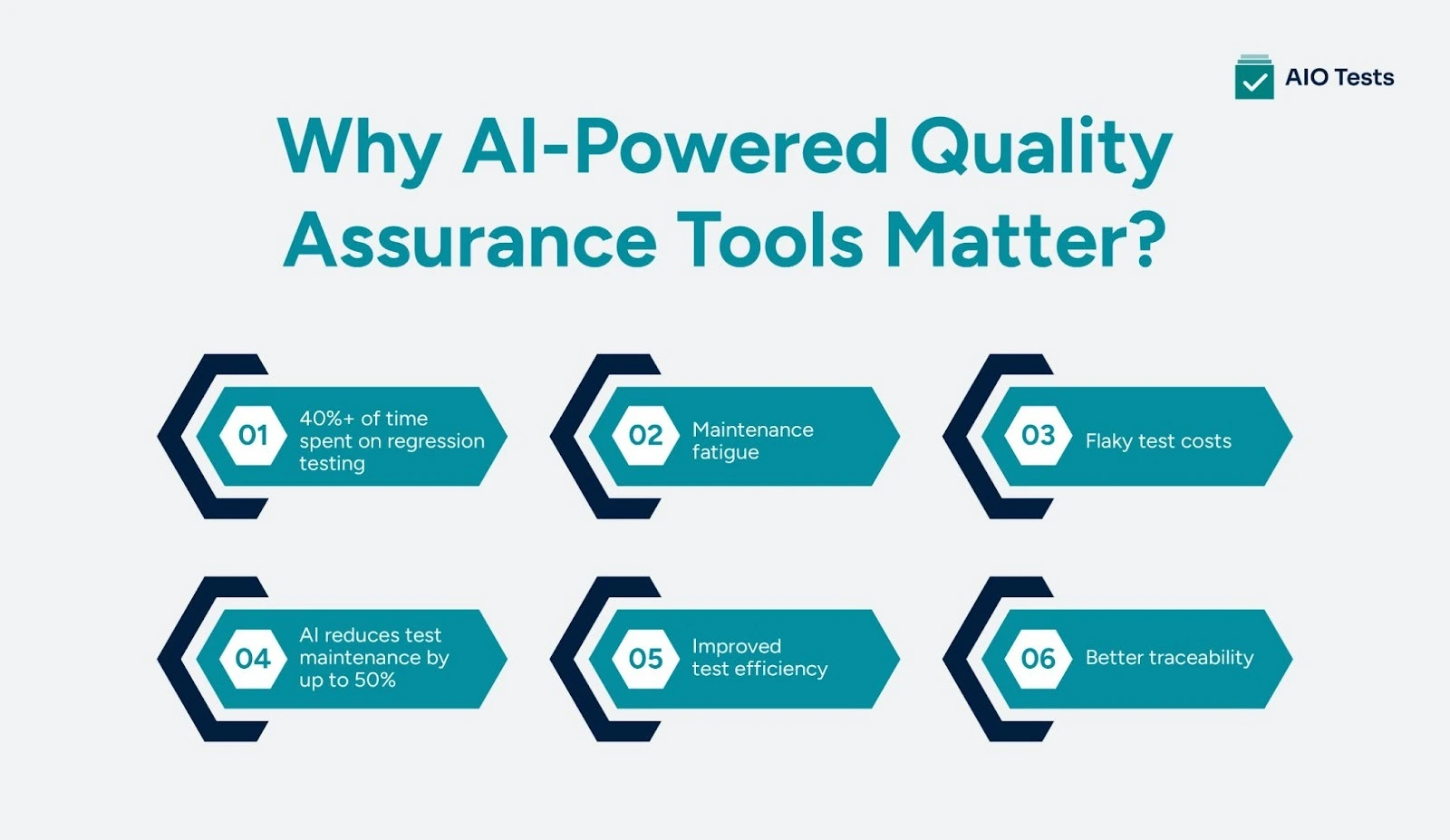
- 40%+ of time spent on regression testing
Regression testing often takes up over 40% of the QA team’s time, delaying releases. AI-driven testing tools can automate regression testing, reducing time spent on repetitive tasks.
- Maintenance fatigue
Regular test maintenance becomes a major burden, especially when applications evolve rapidly. AI can automate test maintenance by updating and adjusting tests based on code changes, reducing the effort required from manual testers.
- Flaky test costs
Flaky tests, which are prone to fail intermittently, are costly in terms of time and resources. These issues can be significantly reduced with AI’s ability to improve test stability by learning and adapting to changes in the codebase.
- AI reduces test maintenance by up to 50%
AI-powered testing tools can cut test maintenance time by up to 50%, ensuring that tests are always up to date and minimizing downtime.
- Improved test efficiency
AI tools automatically generate test cases, predict defects, and smartly select regression tests, improving test coverage and execution speed. Teams can focus on high-priority issues rather than repetitive tasks.
- Better traceability
AI tools improve traceability by linking test cases directly to requirements and defects. This ensures full visibility of the testing process and makes it easier to track and address issues in real time.
In summary, AI-powered testing tools not only help reduce testing time and maintenance costs but also offer smarter, more efficient test management.
How to Choose the Right Quality Analyst Tools
When selecting the best quality assurance tools for your team, it’s important to ask the right questions to ensure they meet your needs. By using these questions, you can ensure you select quality assurance tools that are efficient and aligned with your team's needs and long-term objectives.
Conclusion
As development cycles get shorter, relying on manual testing methods is no longer sustainable. AI-powered testing tools are becoming the standard, reducing testing time and improving efficiency.
The right quality analyst tools not only speed up your testing process but also strengthen your overall software quality assurance efforts, ensuring more accurate results and helping teams meet deadlines without compromising quality.
Book a demo of AIO Tests QA testing tool to see how it can improve your testing workflow and get your products to market faster.

FAQs
- What are the quality analyst tools?
Quality analyst tools are software applications used to manage, execute, and track software testing activities. They support test automation, defect tracking, performance testing, and reporting. Common examples include Selenium for automation, Jira for bug tracking, and Apache JMeter for performance testing.
- What are the 7 stages of testing?
The 7 stages of testing are requirement analysis, test planning, test case development, test environment setup, test execution, defect reporting, and test closure. These stages ensure structured validation of software functionality, performance, and reliability before release.
- Which tool is used for QA testing?
There is no single tool used for QA testing, as it depends on the testing type. For automation testing, Selenium is widely used. For API testing, teams often use Postman, while Apache JMeter is commonly used for performance testing.
- How to use AI in QA testing?
AI in QA testing is used to automate test case generation, identify high-risk areas, optimize regression testing, and prioritize defects. It analyzes code changes and historical data to improve test coverage, reduce manual effort, and increase release efficiency.


.svg)

