


Summarize Blog
Quick Summary
When evaluating test data masking in a test management tool, check its masking methods, sensitive-data coverage, data integrity, access controls, automation, audit logs, and integration requirements. The right solution should protect personal information while preserving the data relationships and business rules needed for reliable software testing.
QA teams often need realistic data to test application behavior, reproduce defects, and validate business workflows. However, using production data in test environments can expose personal information, financial records, and other sensitive details to people or systems that do not need access to them.
Test data masking replaces sensitive values with fictional or altered values while preserving the data characteristics required for testing. But the presence of a masking feature alone does not establish whether a solution meets your requirements.
Before choosing a test management tool, evaluate how masking works, which data it protects, whether it preserves test integrity, and how it fits into your existing workflows. These checks help you assess both data privacy risks and the practical effort required to maintain a reliable test environment.
7 Criteria to Evaluate Test Data Masking in a Test Management Tool
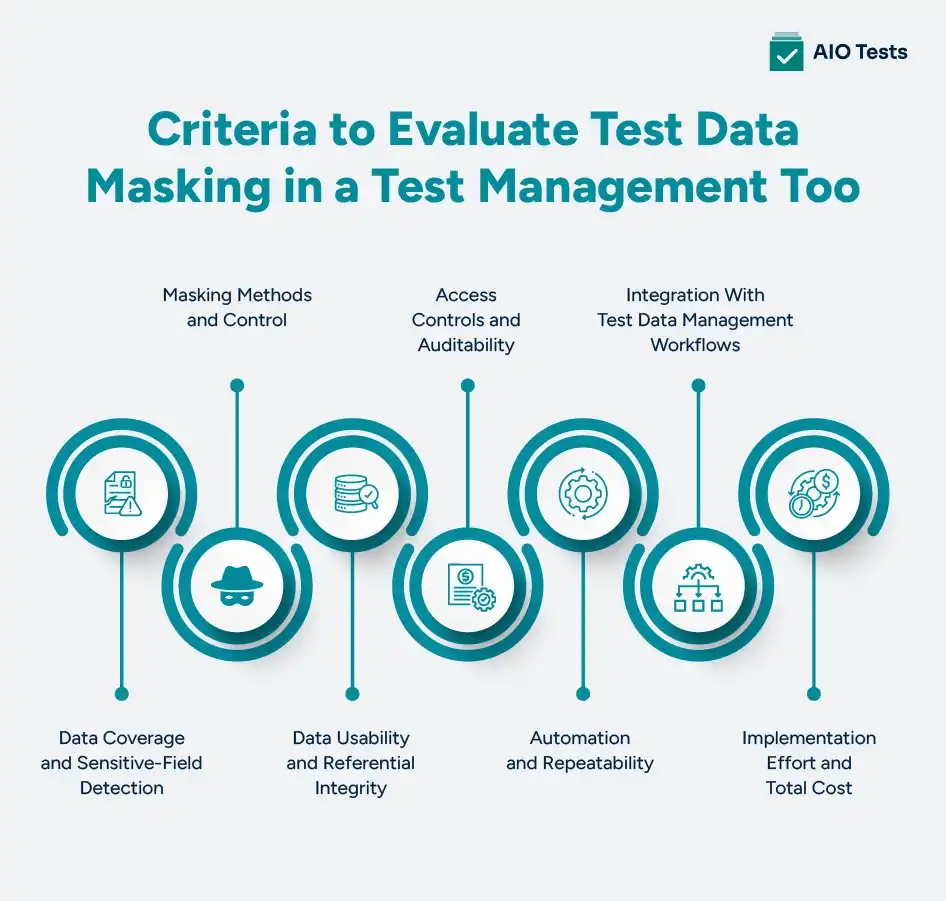
1. Data Coverage and Sensitive-Field Detection
A masking solution should protect the sensitive fields your test environments use, including names, email addresses, account numbers, and health or financial information. Check whether you can define masking rules for specific fields and data sources rather than applying the same rule to every record.
Ask the vendor:
- Can we identify and mask sensitive fields across all relevant data sources?
- Can we configure rules for different data types and test environments?
- Does masking preserve the relationships between linked records?
What to look for: Clear field-level controls, configurable rules, and coverage that matches your data sources and privacy requirements.
2. Masking Methods and Control
Different testing workflows may require different data masking techniques. Static data masking changes sensitive values in a dataset before teams use it in a test environment. Dynamic data masking changes what users see when they access data, based on configured rules or permissions.
Ask the vendor:
- Does the solution support static data masking, dynamic data masking, or both?
- Can we configure different masking rules for different users and environments?
- Can authorized teams verify that the rules work as intended?
What to look for: Masking methods that fit your data access model, with clear controls over where and when masking occurs.
3. Data Usability and Referential Integrity
Masked data must remain useful for testing. If a customer ID changes in one table but not in a related table, test cases may fail for reasons unrelated to the application. Poorly configured masking can also break formats and business rules or remove important edge cases.
Ask the vendor:
- Does masking preserve relationships between connected records?
- Can values retain required formats and validation rules?
- Can we test realistic workflows using the resulting masked test data?
What to look for: Consistent values across related records and a way to validate test scenarios after masking.
4. Access Controls and Auditability
Masking is only one part of sensitive data protection. Teams also need to control who can access original data, who can change masking rules, and how they review masking activity.
Ask the vendor:
- Who can access unmasked and masked data?
- Are masking changes, access events, and exceptions recorded?
- Can we review audit logs when investigating a data exposure or configuration issue?
What to look for: Role-based access controls, useful audit records, and clear separation between configuration and data access permissions.
5. Automation and Repeatability
Test environments often need refreshed data as applications and test cases change. Manual masking can lead to inconsistent results and extra work each time teams prepare a dataset.
Ask the vendor:
- Can masking run automatically during data preparation or refresh?
- Can the same rules be applied across repeated test runs?
- How does the solution handle new fields, failed jobs, or changed data schemas?
What to look for: Repeatable workflows, clear failure reporting, and manageable rule maintenance.
6. Integration With Test Data Management Workflows
A masking solution must fit the way your team sources, prepares, distributes, and uses test data. Do not assume that a test management tool includes masking simply because it supports test cases, execution, or integrations.
Ask the vendor:
- Does masking integrate with our databases and test environments?
- Can it work with our CI/CD pipeline and existing test data management process?
- Is masking native to the product or dependent on a separate tool or integration?
What to look for: Documented integration requirements, clear ownership, and a workable process from data preparation through test execution.
7. Implementation Effort and Total Cost
The purchase price may not reflect the full cost of running a masking solution. Setup, infrastructure, rule maintenance, integrations, and specialist support can all affect the team's workload.
Ask the vendor:
- What are the licensing, setup, and maintenance costs?
- Do we need additional tools or database specialists?
- How much effort is required to configure and maintain masking rules?
What to look for: Transparent pricing, realistic implementation requirements, and a maintenance process your team can support.
Static vs Dynamic Data Masking: Which Should You Evaluate?
Static data masking and dynamic data masking differ in when and how they protect sensitive information. The right method depends on where your test data is stored, who needs access, and how your team prepares data for testing.
When should you choose each method?
Evaluate static data masking when your team needs a prepared dataset for repeated testing without exposing original personal information in the test environment. Check whether the process preserves referential integrity and can be repeated whenever data is refreshed.
Evaluate dynamic data masking when different users need different levels of visibility into the same data source. Confirm which access paths the solution covers and whether users with broader database permissions can bypass the masking rules.
Some teams may need both methods for different workflows. Compare them against your security requirements, test environment design, and data access patterns rather than assuming one approach fits every scenario.
Masked Production Data vs Synthetic Test Data
Masked production data and synthetic test data serve different testing needs. Masked production data starts with real records and replaces sensitive values. Synthetic test data is generated artificially, without copying actual customer records.
The right choice depends on how closely your tests need to reflect real-world data and what privacy risks your team must control.
Which option should you choose?
Choose masked production data when realistic data relationships and observed usage patterns are important, provided the masking process meets your security requirements.
Choose synthetic test data when you need controlled scenarios, specific edge cases, or less reliance on real personal information.
For some teams, a combination works best: synthetic data for targeted scenarios and masked production data for tests that depend on realistic distributions. Evaluate both against your test coverage needs, data privacy requirements, and maintenance effort before deciding.
How to Validate a Test Data Masking Solution Before Buying
A vendor demo can show how masking works, but a proof of concept (PoC) helps you verify whether it protects sensitive information and keeps your test scenarios usable. Test the solution with representative data before committing.
Use this checklist during your evaluation:
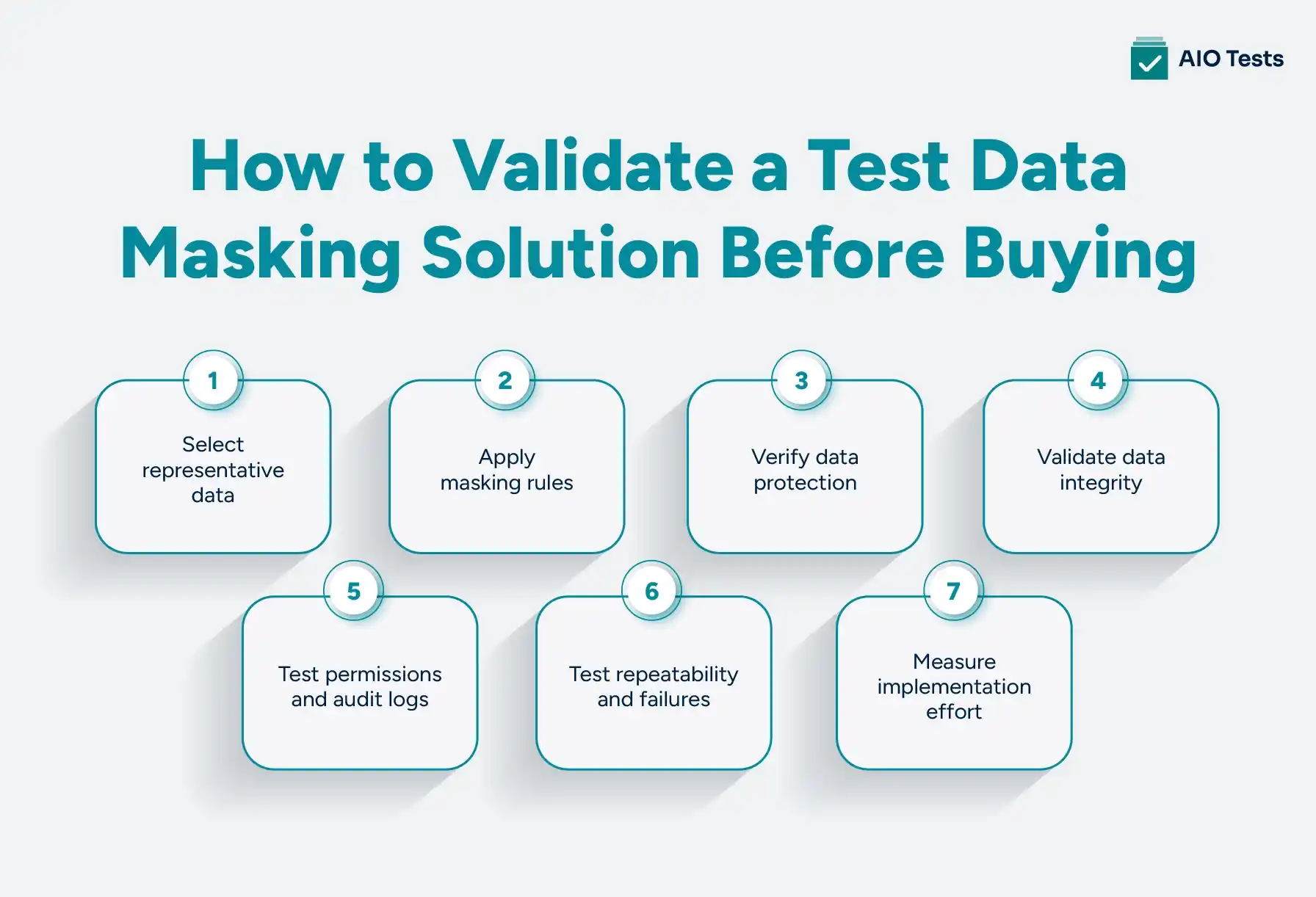
- Select representative data: Include sensitive fields, linked records, and realistic test scenarios from your existing workflows.
- Apply masking rules: Mask a controlled dataset and document which fields should change and which properties must remain usable.
- Verify data protection: Check that sensitive values are not exposed through the intended test workflows, exports, logs, or reports.
- Validate data integrity: Confirm that relationships, formats, constraints, and business rules still work after masking.
- Test permissions and audit logs: Verify who can access original data, modify masking rules, and review masking activity.
- Test repeatability and failures: Repeat the process with refreshed data and check how the solution handles errors or schema changes.
- Measure implementation effort: Record setup time, execution time, integration work, maintenance needs, and any additional costs.
Document the results against your original requirements. If the solution fails a critical privacy check or breaks essential test scenarios, resolve the gap before approving the purchase.
Where AIO Tests Fits Into the Test Management Workflow

AIO Tests is a Jira test management tool that helps QA teams create and organize test cases, plan and execute test cycles, track defects, and maintain traceability across requirements and test results.
Its relevant capabilities include:
These capabilities help QA teams manage test activities and keep execution results connected to development work. However, test management and test data masking serve different purposes. A test management tool organizes test cases, executions, and results**, while** test data masking protects sensitive information used in test environments.
When evaluating AIO Tests alongside a test data masking solution, confirm how masking is handled, whether a separate tool or integration is needed, and how both solutions fit into your existing Jira and QA workflows.

Common Red Flags When Evaluating Data Masking Tools
Before selecting a solution, look for gaps that could expose sensitive information, disrupt testing, or add unexpected maintenance work.
- Unclear data coverage: The vendor cannot specify which sensitive fields, databases, or data sources the solution protects.
- Broken test scenarios: Masking changes record relationships, formats, or business rules that your test cases depend on.
- Manual, inconsistent processes: Teams must repeat masking steps by hand, increasing the risk of errors across test environments.
- Weak access controls: Permissions do not clearly restrict access to original data or sensitive configuration settings.
- Limited audit evidence: The solution cannot provide useful records of masking activities, failures, or configuration changes.
- Hidden integration costs: Database compatibility, infrastructure, maintenance, or additional licensing requirements emerge late in the evaluation.
Treat these gaps as questions to resolve during the proof of concept. A vendor should be able to demonstrate how the solution handles your data, workflows, and security requirements rather than relying on feature claims alone.
Conclusion
Choosing a test data masking solution requires more than checking whether it hides sensitive values. Evaluate its data coverage, masking methods, data integrity, access controls, automation, integrations, and ongoing costs.
Before committing, validate the solution with realistic test scenarios and confirm that masked data remains useful for execution without exposing sensitive information. Also, verify how the masking solution fits into your existing test management workflow.

FAQs
1. Why is data masking important in software testing?
Data masking protects sensitive information, such as personal details, financial records, and customer identifiers, when teams use data in test environments. It reduces the risk of exposing real information while allowing QA teams to test application behavior with realistic data. Effective masking must also preserve the relationships and formats required for testing.
2. What is the difference between static and dynamic data masking?
Static data masking replaces sensitive values in a dataset before teams use it, typically creating a masked copy for testing. Dynamic data masking changes the values visible to users when they access data, based on configured rules or permissions, while the underlying data generally remains unchanged. Static masking suits prepared test datasets, while dynamic masking can restrict data visibility during access.
3. What is the difference between data masking and encryption?
Data masking replaces sensitive values with altered or fictitious values so teams can use the resulting data without exposing the original information. Encryption converts data into an unreadable form using a cryptographic key, and the original data can be restored through decryption. Masking is often used to prepare test datasets, while encryption protects data during storage or transmission.
4. Masked production data vs synthetic test data: which is better?
Masked production data retains real-world patterns from existing records while replacing sensitive values. Synthetic test data is generated artificially and can be designed for specific test scenarios without relying on actual personal records. Masked production data may suit tests requiring realistic relationships, while synthetic data can help cover edge cases and reduce reliance on real customer information. The choice depends on test requirements and privacy risks.
5. Can you use production data for testing under GDPR?
GDPR does not automatically prohibit using production data for testing, but organizations must have a lawful basis and comply with applicable data protection principles, including purpose limitation, data minimization, and security. Masking may reduce exposure, but it does not automatically make personal data anonymous or ensure compliance. Teams should assess whether synthetic or effectively anonymized data can meet their testing needs and seek privacy or legal guidance when required.


.svg)
