

.webp)
Summarize Blog
Quick Summary
Effective QA collaboration is crucial for software success. AIO Tests boosts QA collaboration in Jira by automating testing, streamlining communication, and providing real-time updates. With features like a centralized test repository and seamless Jira integration, teams can work more efficiently, reduce errors, and speed up release cycles.
QA collaboration is essential for the success of any software development project. When teams work together effectively, they ensure smoother workflows, faster issue identification, and higher-quality outcomes.
In Jira, QA collaborations play a central role in managing testing processes and improving communication between developers and testers. AIO Tests helps enhance QA collaboration in Jira by providing automated testing, tracking progress in real time, and streamlining communication. By integrating AIO Tests into your QA workflow, you can simplify processes and improve team efficiency.
What is QA Collaboration and Why Does it Matter?
QA collaboration is the practice of bringing QA teams, developers, and other stakeholders together to safeguard software quality assurance from start to finish. Within Jira Software, this means aligning workflows, tracking bugs in real time, and keeping communication friction-free across the entire testing lifecycle.
For teams wondering how to improve QA collaboration, the focus should be on:
- Sharing clear updates on test progress.
- Discussing issues quickly and transparently.
- Managing test cases and bug reports in a unified space.
Here’s why effective QA collaboration is critical to any software testing process.

Role of Jira in Streamlining Communication Between QA Teams
QA in Jira becomes more effective when teams operate from a single, shared system. A clearly defined Jira QA workflow allows testers, developers, and stakeholders to track tasks, report bugs, and monitor progress in real time without switching tools or losing context.
Jira centralizes all tasks, defects, and test results, making collaboration straightforward and traceable. Developers and testers can comment, share feedback, and update issues directly within the platform, while stakeholders gain real-time visibility into overall project health.
By standardizing collaboration through a structured Jira QA workflow, Jira keeps teams aligned, reduces miscommunication, and drives a faster, more predictable development cycle.
How Do AIO Tests Enhance Qa Collaboration In Jira?
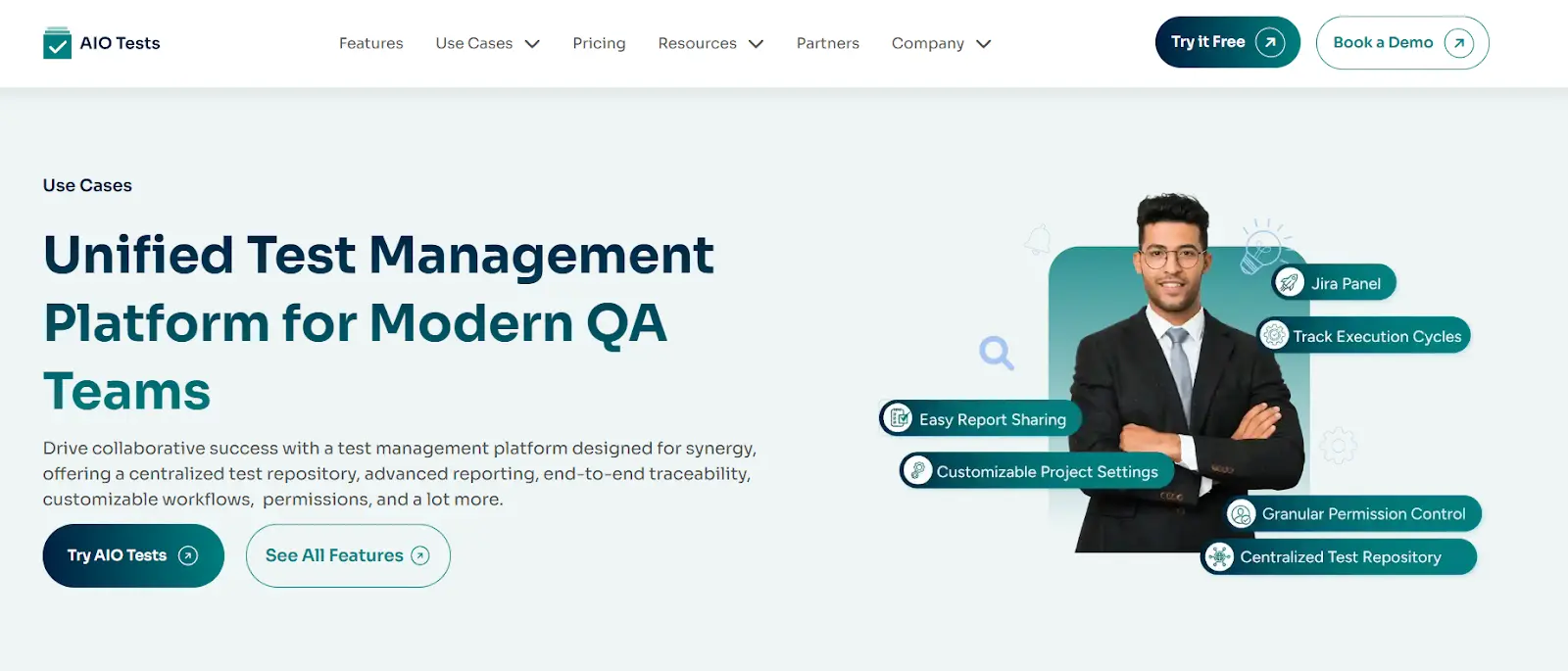
AIO Tests is an AI testing tool designed for Jira. By integrating seamlessly with Jira, it enables QA and development teams to collaborate efficiently. You can streamline test execution and maintain real-time visibility into issues and progress, ensuring alignment across the software delivery lifecycle.
1. Real-Time Updates and Issue Tracking
With AIO Tests, teams get instant visibility into test status and issues directly within Jira. This ensures that everyone, from testers to developers, can track progress without switching between QA testing tools.
- Track test case execution status and defect details directly from the Jira story view.
- Monitor execution cycles and know exactly where tests fail and why, without having to filter through data.
- Use traceability features to see which tests are linked to specific requirements, keeping everyone informed.
2. Easy Handoffs Between QA and Development Teams
Collaboration becomes much smoother when both teams can easily pass information back and forth. AIO Tests allow teams to:
- Draft scenarios or write ad-hoc tests right within the story view.
- Quickly assign and update issues, so developers know exactly what needs attention.
- Share execution statuses and defect details clearly, so no task is left incomplete or misunderstood.
3. Centralized Test Repository
AIO Tests acts as a single source of truth for all testing activities. This central hub makes it easy for teams to access, update, and reuse test cases, ensuring better collaboration on both manual and automated tests.
- Store all test cases, defects, and results in one place for quick access.
- Encourage reuse of test cases across projects, reducing duplicated effort and enhancing teamwork.
- Keep track of manual and automated test executions in one unified view.
4. Comments, Discussions, and Alerts
Communication is key to collaboration. AIO Tests makes it easy to stay connected with built-in features for commenting, discussion, and alerts.
- Leave comments and tag team members directly within test cases or executions.
- Share essential testing reports and updates automatically to keep the team informed.
- Set up alerts to notify team members of key updates, without needing to check manually.
5. Customizable Project Settings and Permissions
Every QA testing team works differently. AIO Tests lets you tailor the platform to your needs, offering granular control over permissions and workflows.
- Customize settings to align with your team’s specific process.
- Restrict access to sensitive actions, like deleting test cases, to prevent errors or data loss.
- Configure user roles to make sure that everyone has the right level of access.
6. Reports and Dashboards
Gain insights into your testing progress with AIO Tests’ comprehensive QA reporting software. These features help teams track metrics like test execution, pass/fail rates, and defect trends.
- Access detailed reports on test progress, defects, and test coverage analysis
- Share dashboards with the team to ensure everyone is aligned.
- Use data-driven insights to guide decision-making during meetings or retrospectives.
Conclusion
AIO Tests offers significant advantages for improving QA processes with Jira Software by enabling tighter collaboration between testers, developers, and product teams.
With features like centralized test repositories, customizable project settings, and detailed reporting, AIO Tests enhances both manual and automated test management. The integration with Jira helps align all team members, ensuring smooth workflows and faster issue resolution.
Incorporating AIO Tests into your Jira-based QA processes can simplify test management, boost productivity, and lead to higher-quality software releases.
Try AIO Tests today and experience how it can transform your testing workflows.

FAQs
- What are the key features of AIO tests for Jira?
AIO Tests offers several powerful features to enhance QA collaboration and streamline testing processes within Jira. Key features include:
- Real-time updates on test status and defects.
- Centralized test repository for storing test cases, defects, and results.
- Customizable permissions and project settings.
- Seamless integration with Jira to track issues and progress in one platform.
- Detailed reporting and dashboards to monitor test execution, pass/fail rates, and defects.
- How can AIO tests help in improving qa workflow in Jira?
AIO Tests optimizes the QA workflow in Jira by automating test execution, tracking progress in real-time, and centralizing test management. It eliminates manual tasks, reduces errors, and helps teams work more efficiently. By integrating with Jira, AIO Tests ensures smooth communication between QA teams and developers, improving issue resolution time and test visibility.
- Is it difficult to integrate AIO tests with Jira?
No, integrating AIO Tests with Jira is straightforward. AIO Tests is designed to seamlessly work within Jira’s ecosystem, offering easy integration with minimal setup. Once connected, you can begin managing test cases, tracking issues, and collaborating directly within Jira without needing to switch between multiple tools.


.svg)

