

Summarize Blog
Quick Summary
Learn how Jira release management helps teams handle multiple versions, improve QA workflows, manage parallel releases, and connect testing, defects, and release readiness through better version control practices.
Managing software releases becomes more challenging when teams move beyond a single development cycle. A team may be preparing a new feature release, supporting a production version, and running regression testing for another update, all at the same time.
In these situations, Jira release management helps teams organize versions, track changes, and maintain visibility into planned releases. However, managing multiple versions requires more than assigning issues to releases. Teams also need a clear approach for version control, release planning, testing activities, and defect tracking.
A structured release workflow helps teams understand what is included in each version, which changes have been validated, and whether a release is ready for deployment.
This guide covers how to manage Jira parallel releases, improve Jira version management, and create a QA-focused release process that connects development work with testing and release readiness.
Why Managing Multiple Releases in Jira Becomes Challenging
Managing one release is straightforward. The complexity appears when teams need to manage multiple releases in Jira at the same time.
Modern software teams often maintain:
- Current production versions
- Maintenance releases
- Feature releases
- Major upgrades
Each release may have different requirements, timelines, and testing needs.
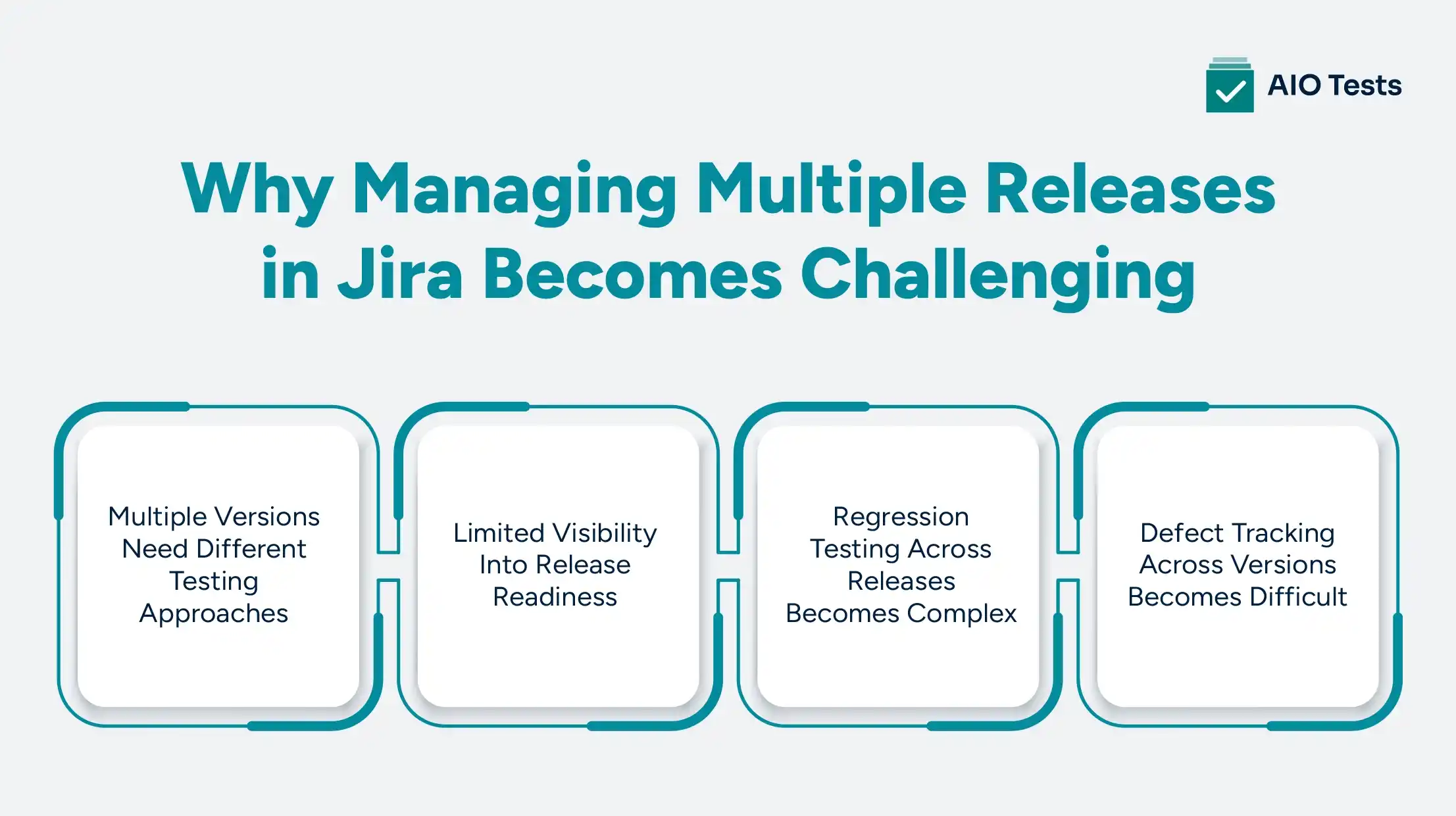
1. Multiple Versions Need Different Testing Approaches
Not every release requires the same level of validation.
A production hotfix release may require targeted testing around a specific issue, while a major feature release may require complete regression testing.
For example:
Teams managing Jira parallel releases need clear visibility into which tests apply to each version.
Without proper planning, QA teams may:
- Miss important test scenarios
- Repeat unnecessary testing
- Validate changes against the wrong release
2. Limited Visibility Into Release Readiness
Jira provides valuable information about development progress.
Teams can see:
- Completed issues
- Remaining tasks
- Release status
However, development completion does not always mean a release is ready.
QA teams still need answers to questions such as:
- Have all critical workflows been tested?
- Are regression cycles complete?
- Which tests have failed?
- Are open defects blocking the release?
A release should be evaluated based on both development progress and testing readiness.
3. Regression Testing Across Releases Becomes Complex
Regression testing becomes harder as more releases move in parallel.
A change introduced in one version may affect existing functionality in another version. QA teams need a structured approach to:
- Reuse existing test cases
- Execute regression suites
- Track testing results
- Identify impacted areas
Effective multi-release testing requires teams to know which test cases apply to each version and whether previous functionality continues to work after new changes.
4. Defect Tracking Across Versions Becomes Difficult
When multiple versions are active, defects need proper version context.
Jira provides fields such as:
- Affected Version
- Fix Version
These help teams understand:
Example:
A payment issue is discovered in Version 5.1.
The development team fixes it in Version 5.2.
Before releasing Version 5.2, QA needs to confirm that:
- The fix works correctly
- Existing payment workflows are unaffected
- Related regression tests have passed
How Jira Supports Release Planning and Version Management
Jira provides teams with the foundation needed to organize releases, track development progress, and maintain visibility into upcoming changes. Through versions, issue tracking, and release planning capabilities, teams can structure their delivery process and coordinate work across different stages.
However, effective Jira release planning requires more than creating versions. Teams also need clear ownership, accurate tracking, and alignment between development and QA activities.
1. Creating and Managing Jira Versions
Jira versions help teams organize work around specific releases. Teams can create versions based on their delivery timelines, product milestones, or release cycles.
When creating versions, teams should define:
- Release name
- Target release date
- Release owner
- Scope of planned changes
- Current release status
For example:
A structured version setup improves Jira version management by helping teams understand which work belongs to each release.
It also reduces confusion when multiple versions are active simultaneously.
2. Using Fix Version and Affected Version
Jira provides two important fields that help teams track changes across releases:
These fields are especially useful when teams manage maintenance releases alongside new feature releases.
Example:
A customer reports a checkout issue in Version 5.1.
The team identifies:
- Affected Version: 5.1
- Fix Version: 5.2
This information helps QA teams understand which versions require validation and which regression tests should be executed.
3. Tracking Release Progress
Jira helps teams monitor release progress by showing:
- Completed issues
- Open issues
- Work remaining
- Release status
This visibility helps product and engineering teams understand whether planned work is moving according to schedule.
However, release progress from Jira issues alone does not provide complete quality visibility.
For example:
A release may show 95% of issues completed, but QA teams still need to know:
- Are all test cases executed?
- Are critical scenarios passing?
- Are blocking defects resolved?
- Is regression testing complete?
This is where connecting release tracking with a structured QA workflow becomes important.
Best Practices for Managing Parallel Releases in Jira
Managing Jira parallel releases requires teams to establish processes that keep development, testing, and release activities aligned.
The following practices help teams maintain control when multiple versions are moving through different stages.
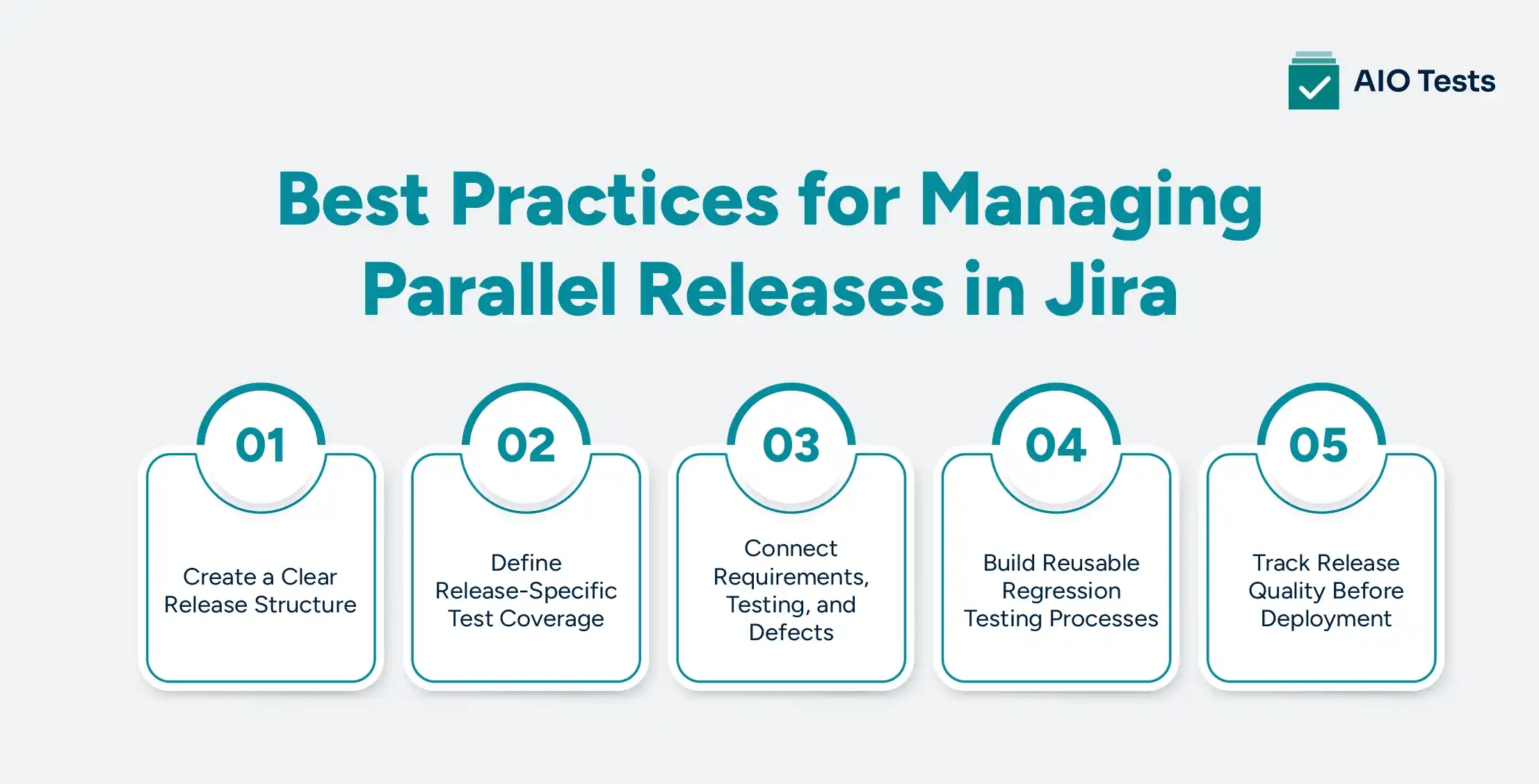
1. Create a Clear Release Structure
A consistent release structure helps teams avoid confusion when multiple versions are active.
Teams should define:
Naming conventions
Use clear version names that help teams quickly identify releases.
Example:
- Product 5.1 Maintenance
- Product 5.2 Feature Release
- Product 6.0 Major Upgrade
Version ownership
Assign responsibility for:
- Release coordination
- Testing activities
- Final approval
Release timelines
Document:
- Development deadlines
- Testing windows
- Deployment dates
A clear structure makes it easier for teams to understand release priorities and dependencies.
2. Define Release-Specific Test Coverage
Each release should have a defined testing approach based on its scope and risk level.
A strong QA release strategy includes:
Feature testing
Validates new functionality introduced in the release.
Regression testing
Confirms existing features continue to work after changes.
Smoke testing
Checks whether the build is stable enough for further testing.
User acceptance testing
Ensures the release meets business expectations.
For example:
A small bug fix release may require targeted validation, while a major product update may require complete regression coverage.
Defining test coverage early helps QA teams avoid last-minute testing delays.
3. Connect Requirements, Testing, and Defects
One of the biggest challenges in release management is maintaining traceability.
A strong QA workflow connects every stage of the release lifecycle:
This connection helps teams answer important questions:
- Which requirements have been tested?
- Which test cases validate a feature?
- Which defects affect a release?
- Is the release ready for deployment?
Without traceability, teams often rely on manual updates across spreadsheets, documents, and separate testing tools.
4. Build Reusable Regression Testing Processes
Regression testing is one of the biggest challenges in multi-release environments.
Instead of rebuilding test coverage for every release, teams should create reusable testing assets.
This includes:
- Maintaining reusable test cases
- Grouping tests into regression suites
- Tracking execution history
- Identifying impacted test areas
A structured multi-release testing approach allows QA teams to validate different versions without repeating unnecessary work.
For example:
A payment regression suite can be reused across:
- Version 5.1 maintenance release
- Version 5.2 feature release
- Version 6.0 platform upgrade
5. Track Release Quality Before Deployment
Release decisions should be based on testing data, not only development completion.
Before deployment, teams should monitor:
- Test execution status
- Failed test cases
- Open defects
- Regression completion
- Test coverage gaps
A release readiness view gives stakeholders confidence that quality risks have been identified and addressed.
How AIO Tests Helps Teams Manage QA Across Jira Releases
AIO Tests (test management platform) helps teams manage testing activities directly within Jira by connecting release planning with quality validation. Instead of managing test cases, executions, and defects across disconnected tools, teams can keep their QA workflow connected with their existing Jira environment.
Manage Test Cases Inside Jira
This tool enables teams to create and organize test cases alongside Jira issues.
Teams can:
- Create reusable test cases
- Link tests with requirements
- Organize testing activities
- Track test coverage and execution status
This helps QA teams understand which features and requirements have been validated before release.
Plan Release-Based Test Cycles
Different releases require different testing approaches.
With this platform, teams can organize testing around:
- Feature releases
- Sprint releases
- Regression cycles
- Release validation testing
QA teams can execute tests for specific releases and track progress throughout the testing process, helping teams manage multiple versions with better visibility.
Maintain End-to-End Traceability
The tool helps to connect:
- Requirements
- Jira issues
- Test cases
- Test executions
- Defects
- Releases
This gives teams visibility into how planned changes move through validation before deployment.
Support Manual and Automated Testing
Modern QA teams often combine manual and automated testing.
The platform supports workflows where teams can:
- Track manual test execution
- Import automated test results
- Monitor testing outcomes
- Maintain execution history
This allows teams to manage different testing approaches within Jira.
Generate Release Testing Insights
Before releasing software, teams need visibility into testing progress.
The tool helps teams understand:
- Test execution progress
- Passed and failed test results
- Defect relationships
- Testing status for release decisions
These insights help QA and engineering teams evaluate release quality with better visibility.

Why Jira Release Management Needs a QA Testing Workflow
Jira provides strong capabilities for planning releases, managing versions, and tracking development activities.
Teams can use Jira to:
- Organize release scope
- Assign issues to versions
- Monitor progress
- Track changes
However, QA teams need additional visibility to understand whether those changes are properly validated.
A complete release workflow requires:
- Test execution tracking
- Regression planning
- Defect validation
- Release-level reporting
A release is not ready because all Jira issues are complete. It is ready when teams have verified that the delivered changes meet quality expectations.
This is why teams often combine Jira release management with a Jira-native test management approach.
Jira Release Management Checklist for QA Teams
Use this checklist to evaluate whether your release workflow is ready for multiple versions.
Conclusion
Effective Jira release management requires more than tracking completed issues. As teams manage more frequent releases and multiple versions, they need a structured approach to version control, release planning, and QA validation.
Jira provides the foundation for organizing releases, but QA teams need connected testing workflows to manage coverage, execution results, and defect visibility.
By combining Jira version management with a structured QA process, teams can improve traceability, reduce release risks, and make better deployment decisions.
AIO Tests helps teams bring test management directly into Jira, allowing them to connect releases with test cases, executions, and quality insights.

FAQs
1. What is Jira release management, and how does it help QA teams?
Jira release management helps teams organize software releases by tracking versions, issues, and planned changes. For QA teams, it provides release visibility, but a connected test management workflow is needed to track coverage and execution results.
2. How can you manage parallel releases in Jira?
Teams can manage parallel releases in Jira by creating clear versions, assigning issues correctly, tracking Fix Version and Affected Version fields, and connecting release activities with structured testing processes.
3. What are the best practices for Jira release planning?
Best practices include defining clear release goals, maintaining organized versions, assigning ownership, planning testing activities early, and tracking release readiness before deployment.
4. How can QA teams manage testing across multiple releases in Jira?
QA teams can manage multiple releases by creating reusable test cases, organizing release-specific test cycles, maintaining regression suites, and tracking test execution results connected to Jira versions.
5. How does Jira version management support parallel release strategies?
Jira version management helps teams organize different releases, track changes, assign work items, and maintain visibility into what is planned for each version. Combining version management with test tracking improves release confidence.


.svg)
