

Summarize Blog
Quick Summary
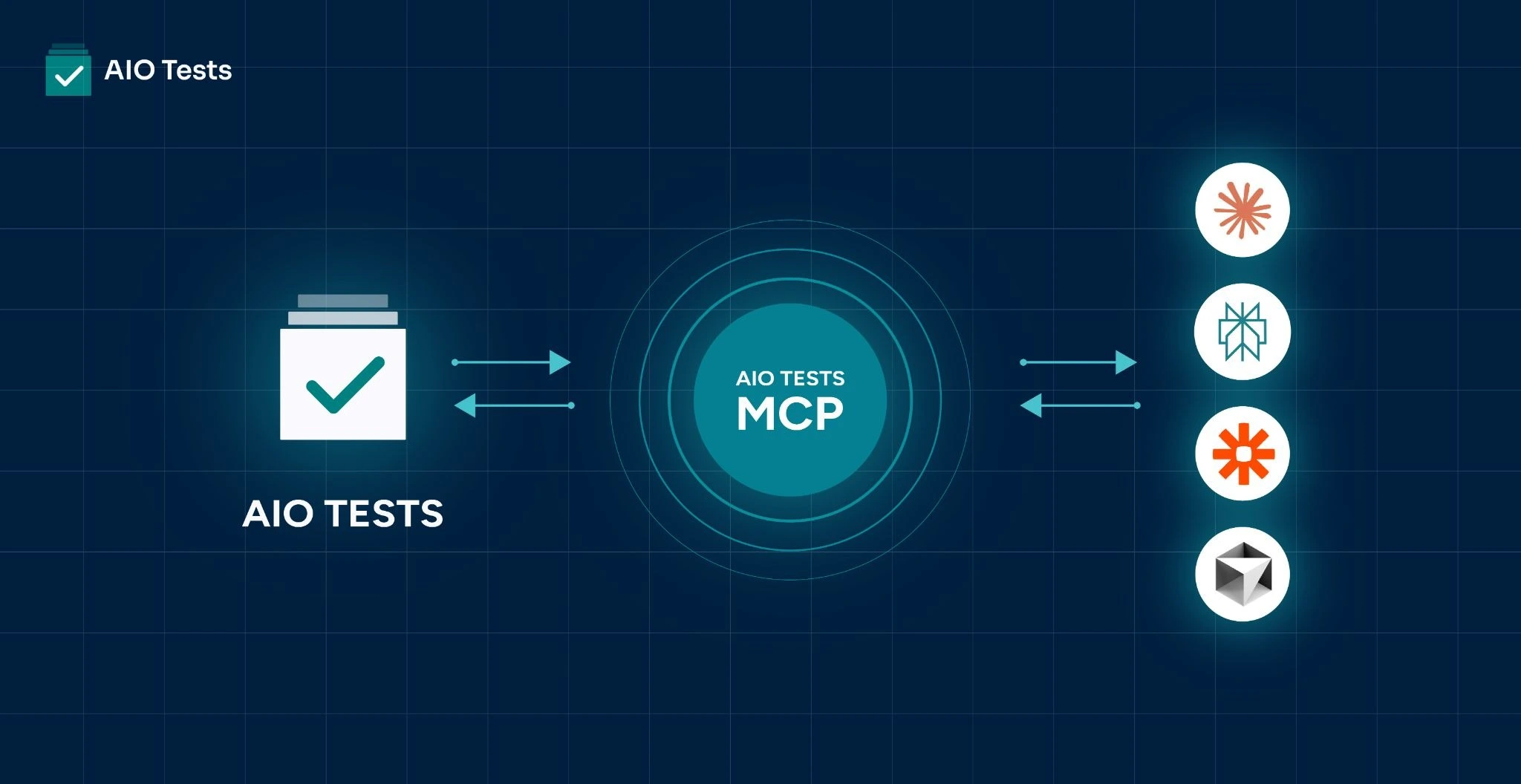
The AIO Tests MCP Server connects AI models directly with your test management data, giving them access to existing test cases, project structures, Jira context, and acceptance criteria. Instead of generating test cases in isolation, AI can now analyze, cross-reference, update, and create smarter test coverage using real project context.
Quality engineering just got a powerful new co-pilot.
If you've been using AIO Tests for a while, you already know this: writing test cases one by one is a thing of the past.
Paste in a user story, tell the AI what types of cases you want, and it generates them. Fast, structured, ready to review. That's been our AI Assistant for a while now — and teams love it.
But here's what we kept hearing:
"It generated great cases — but it didn't know we already had cases for this flow." "It didn't pick up the acceptance criteria sitting right there in Jira." "It gave us new cases but missed the edge cases that were already documented."
The AI Assistant is working with one hand tied behind its back. It knows your story. It doesn't know your Jira ticket, your Confluence spec, or the 200 test cases already living in your project. So, it generates, but it can't analyse, it can't cross-reference, and it can't tell you what's missing.
That changes today.
Today, we're launching the AIO Tests MCP Server — and it gives AI models the full picture for the first time.
What Is MCP, and Why Does It Matter?
The Model Context Protocol (MCP) is an open standard that allows AI models — like Claude, GPT, or any compatible agent — to connect directly to external tools and data sources. Think of it as a universal plug for AI: instead of copying and pasting context into a chat window, your AI model can reach into AIO Tests, understand your project, and act on it.
MCP turns AI from a conversational assistant into a genuine collaborator that can read your data, reason about it, and write back — all without leaving your workflow.
What We're Launching Today
This is Phase 1 of our MCP rollout, focused on Test Cases — the heartbeat of your quality process.
Tools Your AI Can Now Use
Once connected, any MCP-compatible AI model can:
- Get your project configuration — fields, custom attributes, tags, and folder structure, so the AI understands the shape of your project before it acts
- Fetch full case details — every field, every step, full fidelity
- Search cases — query your test library intelligently
- Create new test cases — directly into AIO Tests, no copy-paste required
- Update existing cases — edit, enrich, or restructure cases at scale
Works standalone — even better with Atlassian MCP. The AIO Tests MCP Server doesn't require Jira or Confluence to be connected, but we recommend it. If you also have them integrated via their MCP servers, your AI can pull in acceptance criteria, work item details, and Confluence specs automatically — giving it the full picture to generate, update, and cross-reference with real context.
How It Works
Your Tenant, Your URL
Every AIO Tests customer gets a unique, tenant-specific MCP URL. You'll find it directly inside AIO Tests. This URL is how MCP-compatible AI clients know exactly which workspace to connect to — no ambiguity, no cross-tenant confusion.
Two Ways to Authenticate
We've built authentication to be flexible for every type of user:
- OAuth 2.1 (for interactive use): The standard for connecting AI desktop clients like Claude Desktop. You can complete the OAuth flow once and stay connected as long as you're actively using it.
- AIO API Token (for integrations and automation): Already using our Public API? Your existing AIO API token works here too — passed as a Bearer token. Perfect for CI/CD pipelines, scripts, and headless integrations where OAuth isn't practical.
The server detects which mechanism you're using automatically. No configuration needed on your end.
What This Unlocks
The immediate use case is clear: dramatically faster test case creation. Paste in a feature spec, get a structured test suite. Review, adjust, import. What took an afternoon can take minutes.
But the bigger picture is this — AI models that can read and write your test data open doors that didn't exist before:
- Gap analysis at scale: Ask an AI to compare your open Jira epics against your existing test cases and surface what's untested
- Consistency audits: Have an AI scan your case library and flag cases that don't follow your team's conventions
- Living documentation: Generate test cases as features are built, not after
- Intelligent search: Query your test library in natural language, not filter menus
This is Phase 1. Cases are the foundation. More is coming.
Get Started
If you're on AIO Tests, you can find your MCP URL in the app and get connected today. Our documentation walks you through the setup for Claude Desktop and other MCP clients step by step.
If you're new to AIO Tests, this is a great time to take a look at what modern, AI-native test management looks like.
We built AIO Tests to make quality engineering faster, smarter, and more integrated with how modern teams work. The AIO Tests MCP Server is the next step in that journey.
Your AI tools should know your tests. Now they do.
— The AIO Tests Team
Have questions or feedback? Drop us a note at help@aiotests.com
Follow us on LinkedIn for updates on upcoming MCP phases.


.svg)

